Add the sales you didn’t record as orders.
Phone battery died, the rush was too heavy, or you were away from the counter. Enter what you collected that day in cash and UPI, and your sales reports stay complete.
Keep your totals complete
Enter a day in seconds
Pick the sales date, type the cash and UPI / online amounts, and save. The total is worked out for you.
Every entry in one list
See each unrecorded day with its amount, and the total of all unrecorded sales at the top. Open any day to check or correct it.
Counted in your reports
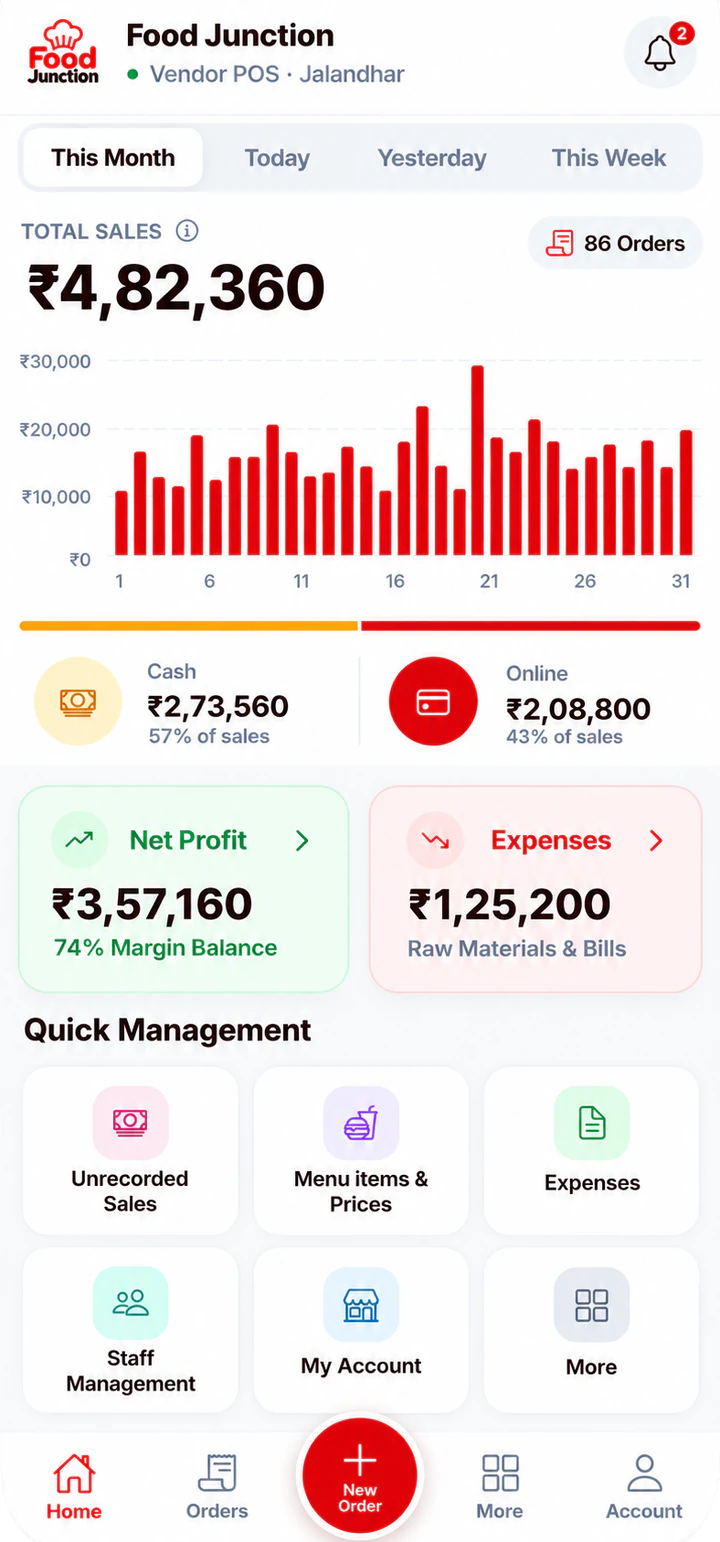
Unrecorded cash and online amounts are added to your dashboard’s cash and online totals and show in your Account Statement.
Set up in three steps.
Everything is set up from the app on your phone or computer. There’s nothing to install.
- 9:411 · Open
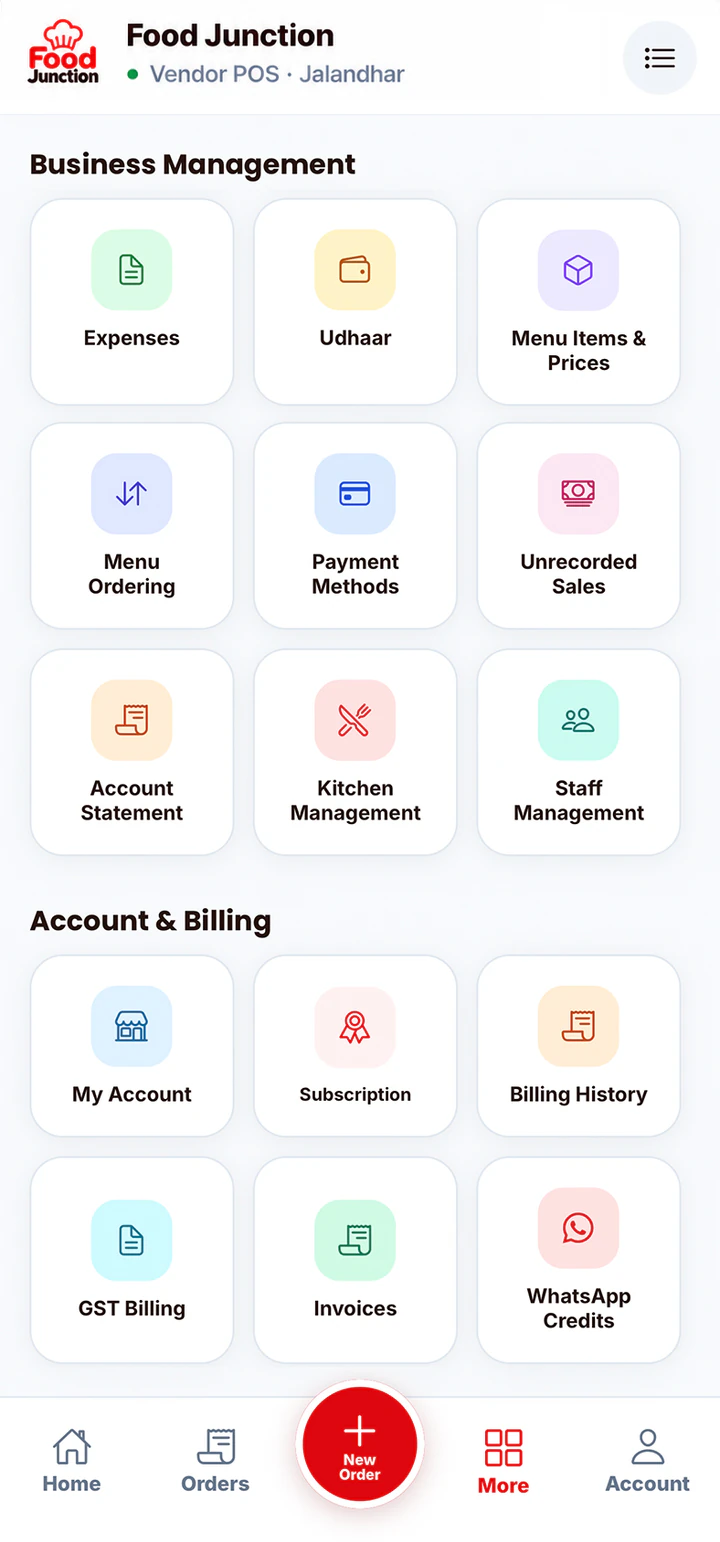
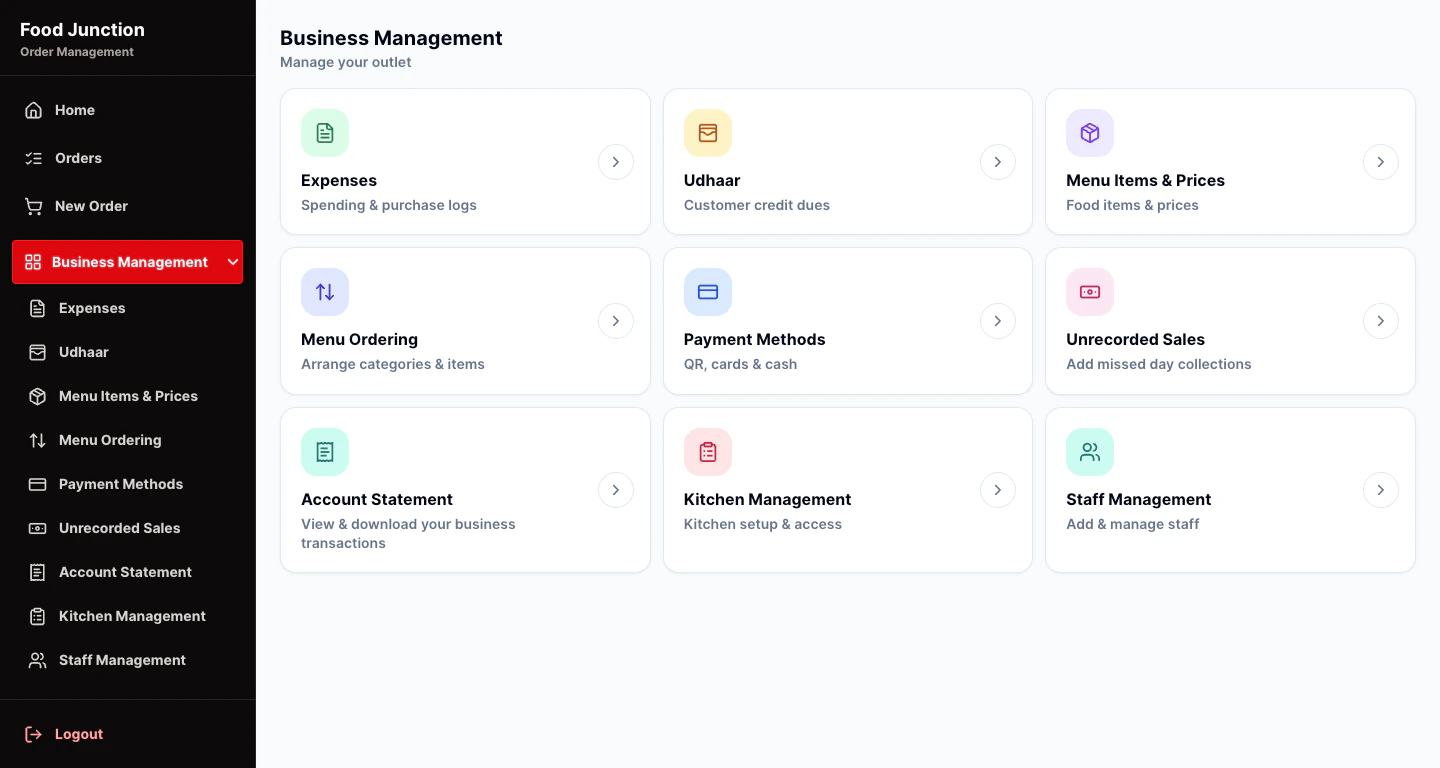
Open Unrecorded Sales
Find it in Business Management.
 2 · Date
Pick the sales date
Tap Add and choose the day you missed.
- 9:413 · Save
Enter cash and UPI
Type both amounts and save. The total is worked out.
Unrecorded sales are day totals, not orders. They don’t include items, so they don’t appear in the orders list or the kitchen.
Popular with
The businesses that get the most from this feature.
Food stall billing software
Running a stall means serving, collecting money and remembering who owes what, often alone.
See the page →Food truck POS software
Food trucks sell in short, busy windows and keep moving.
See the page →Small restaurant billing software
You don’t need enterprise software to run a 10-table restaurant.
See the page →Included in Starter and Restaurant Pro
Start with what you need. Move to Restaurant Pro when you add kitchen staff or want GST bills.
Compare plans →Prices exclude 18% GST. Billed monthly through UPI AutoPay.
Questions
What are unrecorded sales?
Money you collected but didn’t bill as orders in the app, for example on a day your phone was off. Adding it keeps your totals correct.
Do unrecorded sales show on the dashboard?
Yes. The cash and online amounts are added to your dashboard’s cash and online totals for that date.
Can I fix a wrong entry?
Yes. Open the day from the list to check or change it.
Is it on Starter?
Yes. Unrecorded Sales is on both Starter and Restaurant Pro.
Related features
Try Unrecorded Sales on your own menu
Register, add your menu and take your first order in a few minutes.