
Udhaar and khata, kept right next to your billing.
Regulars who pay at the end of the week or month don’t need a separate notebook. Mark the order as Udhaar when you bill it, and the dues stay linked to the customer.
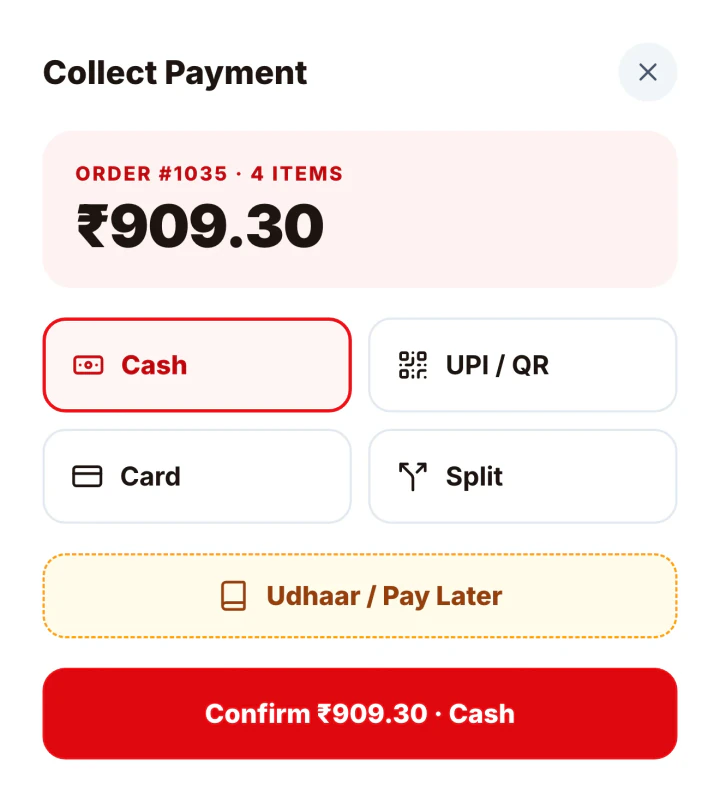
From one udhaar to a full khata
Udhaar at billing time
Choose Udhaar / Pay Later when collecting payment. The order is saved as unpaid.
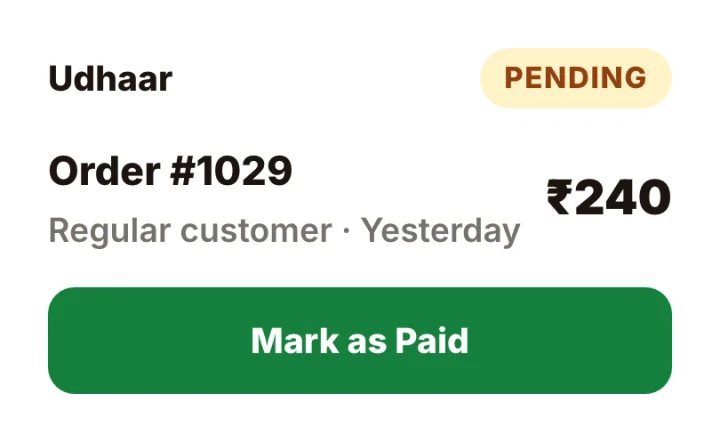
Every customer’s dues on Restaurant Pro
Khata Book lists customers with what they owe, and opens a ledger of their orders and payments.
Record payments against dues
When a customer pays, record the amount and it settles their oldest dues first.
Set up in three steps.
Everything is set up from the app on your phone or computer. There’s nothing to install.
- 1 · Udhaar
Choose Udhaar
When collecting payment, pick Udhaar / Pay Later.
- 2 · Customer
Pick the customer
Choose the customer or add a new one.
- 9:41
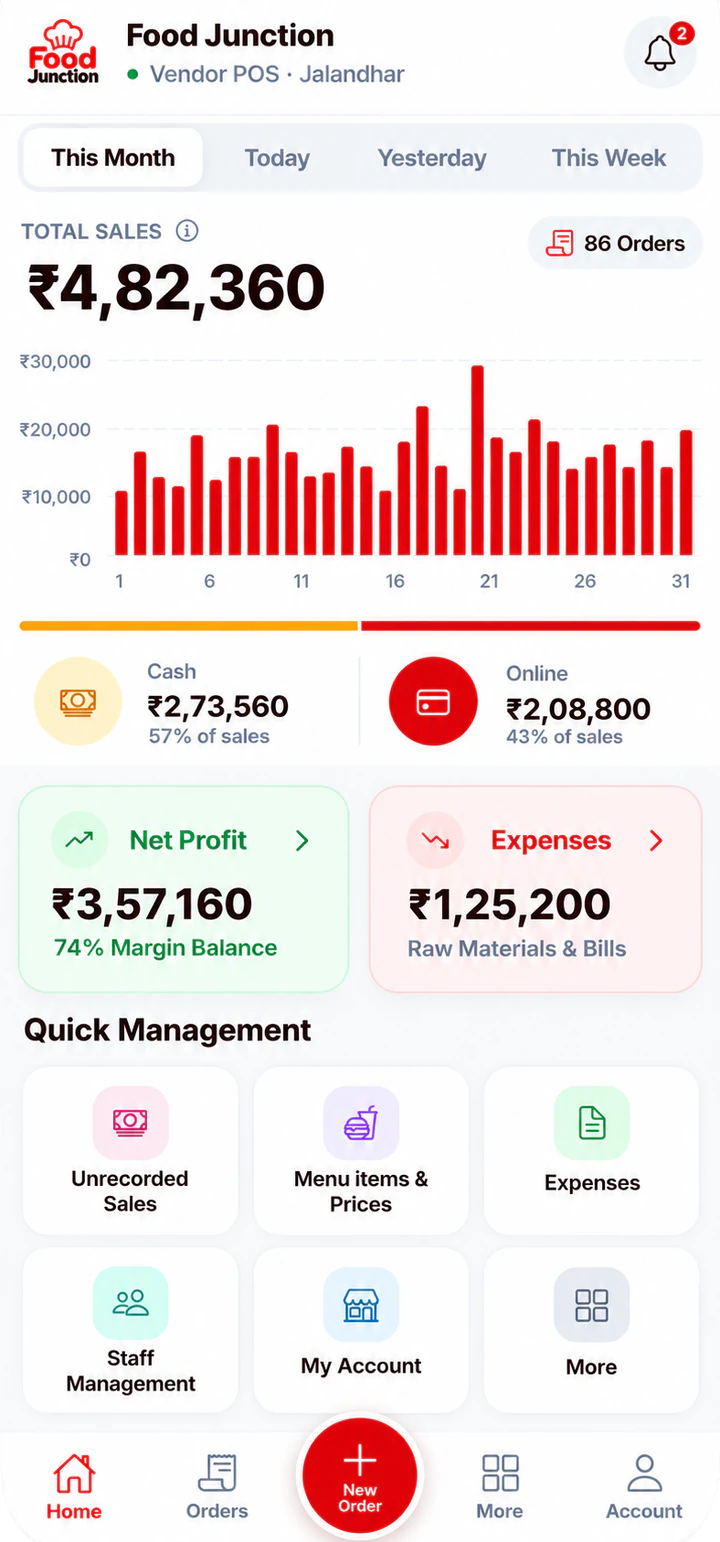 3 · Settle
Record the payment
When they pay, their oldest dues are settled first.
Popular with
The businesses that get the most from this feature.
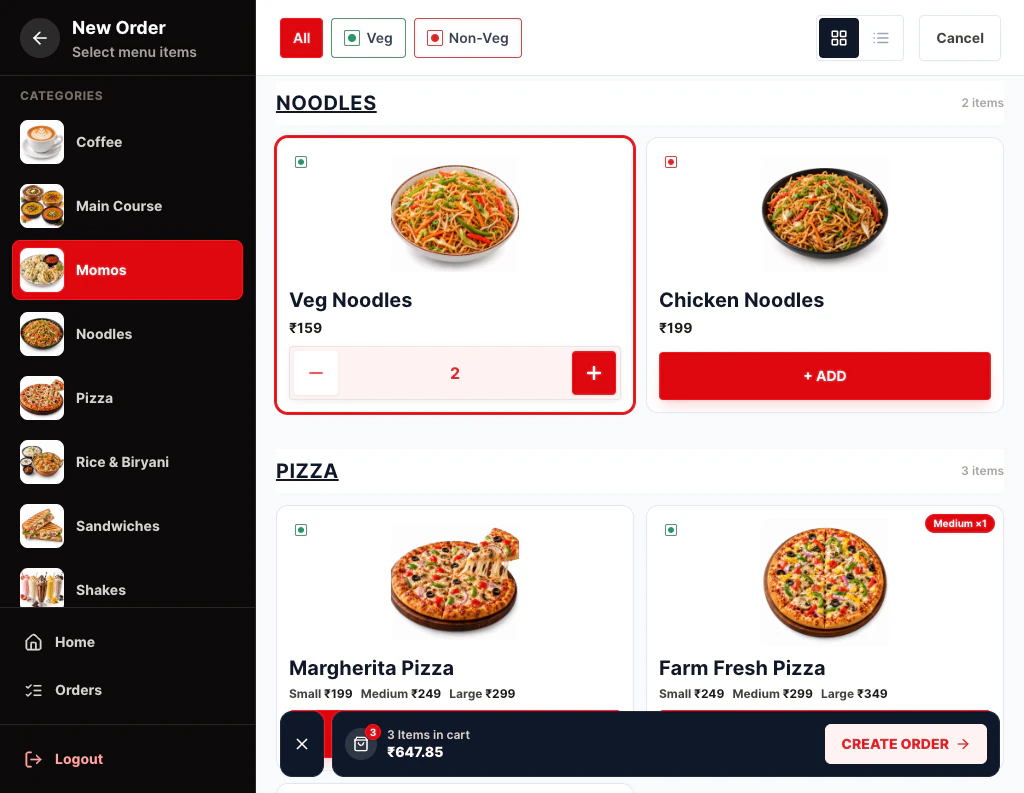
Cafe billing software
Cafés live on quick orders and familiar faces.
See the page →
Small restaurant billing software
You don’t need enterprise software to run a 10-table restaurant.
See the page →
Food stall billing software
Running a stall means serving, collecting money and remembering who owes what, often alone.
See the page →Available on both plans
Udhaar on both plans. Customer-wise Khata Book on Restaurant Pro.
Compare plans →Prices exclude 18% GST. Billed monthly through UPI AutoPay.
Questions
Is udhaar available on Starter?
Yes. Starter lets you mark orders as udhaar. Restaurant Pro adds Khata Book with customer-wise ledgers.
Can I merge two entries for the same customer?
Yes. Khata Book can merge duplicate customers into one ledger.
Do customers get reminders?
Not automatically. You can see who owes what and follow up yourself.
Related features
Try Udhaar & Khata Book on your own menu
Register, add your menu and take your first order in a few minutes.