Track expenses where you track sales.
Sales only tell half the story. Log what you spend on gas, vegetables, milk and wages, and the dashboard shows what is left after expenses.
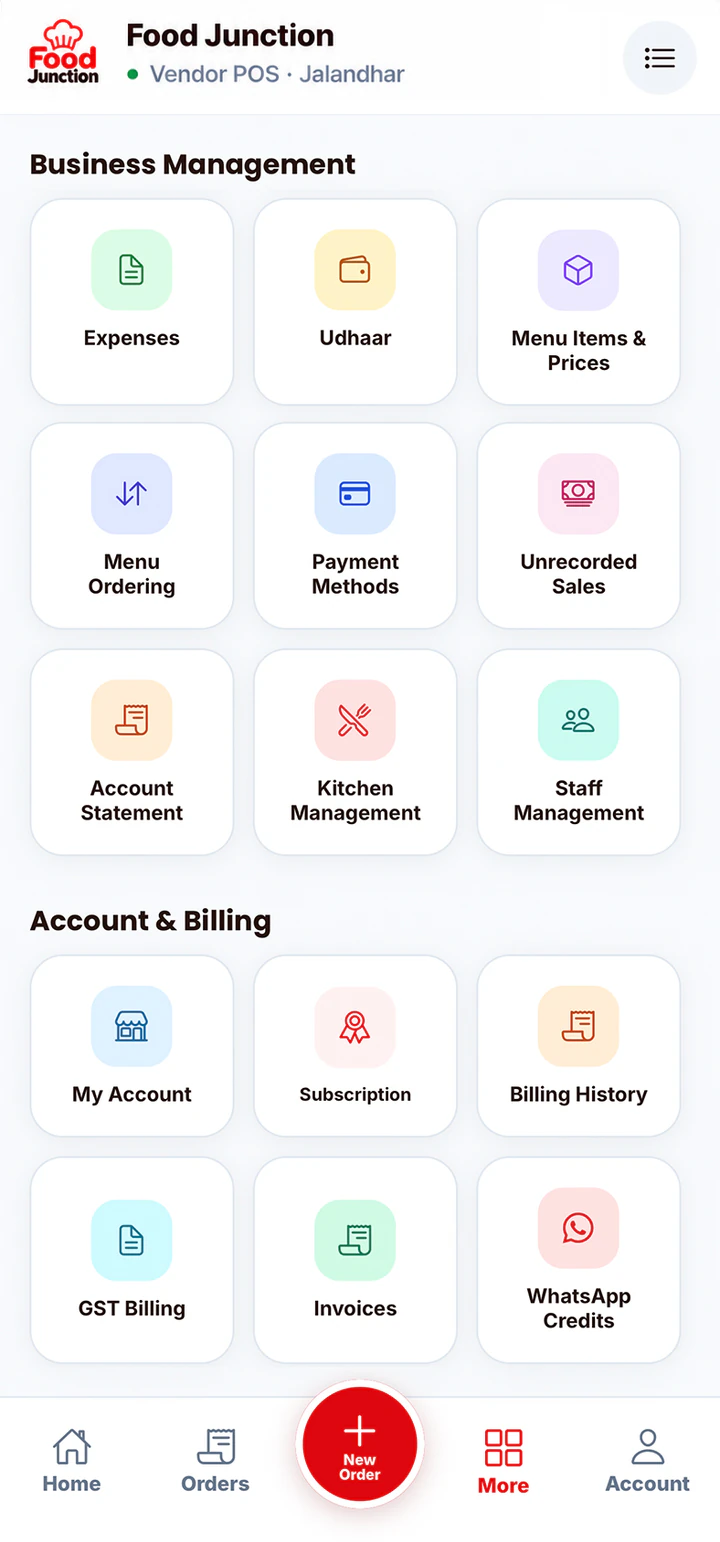
Expenses without a separate notebook
Quick entries by category
Add an amount, pick a category like Raw Material or Gas, and save. Make your own categories too.
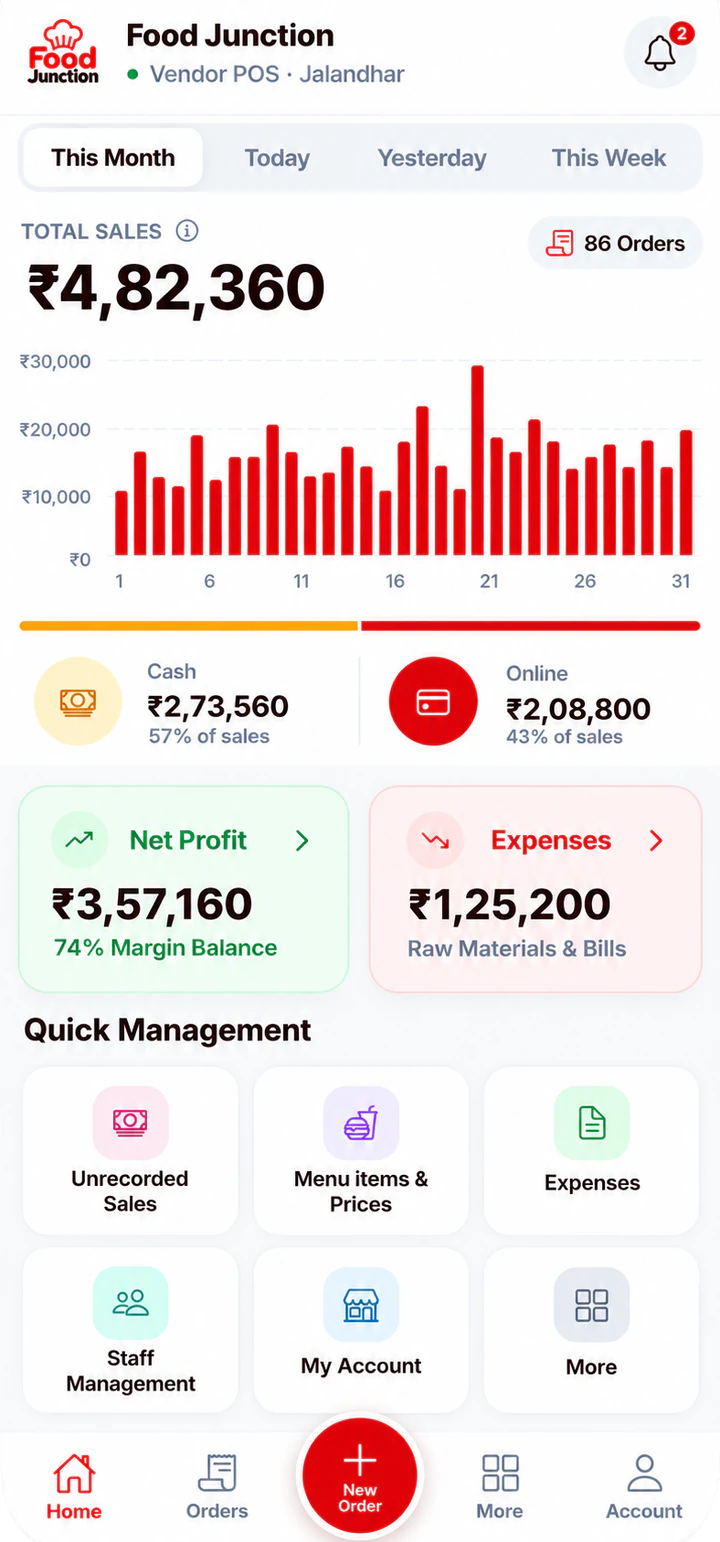
See where money goes
Check the month’s expenses by category and spot costs that keep going up.
Fill in missed days
Phone died or you forgot to bill? Add that day’s cash and UPI in Unrecorded Sales so the month still adds up.
Set up in three steps.
Everything is set up from the app on your phone or computer. There’s nothing to install.
- 9:411 · Open
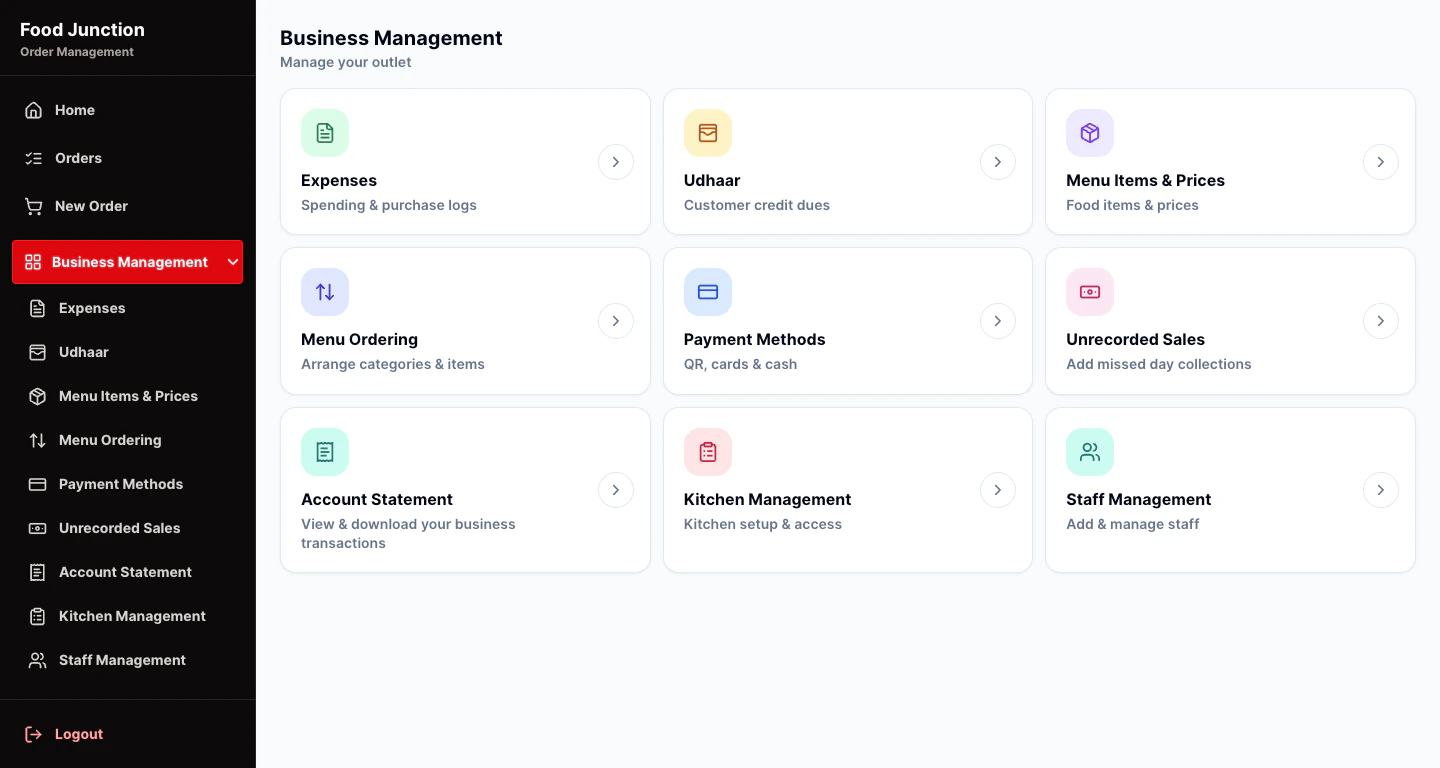
Open Expenses
Find it in Business Management.
 2 · Add
Add an expense
Enter the amount and pick a category.
- 9:413 · Check
See net profit
The dashboard shows profit after expenses.
Popular with
The businesses that get the most from this feature.
Food truck POS software
Food trucks sell in short, busy windows and keep moving.
See the page →
Food stall billing software
Running a stall means serving, collecting money and remembering who owes what, often alone.
See the page →Small restaurant billing software
You don’t need enterprise software to run a 10-table restaurant.
See the page →Included in Starter and Restaurant Pro
Start with what you need. Move to Restaurant Pro when you add kitchen staff or want GST bills.
Compare plans →Prices exclude 18% GST. Billed monthly through UPI AutoPay.
Questions
Can I create my own expense categories?
Yes. Add, rename or remove categories to match how you spend.
What are unrecorded sales?
Collections from days you didn’t bill in the app. Adding them keeps your monthly totals correct.
Is expense tracking on Starter?
Yes. Expenses and unrecorded sales are on both plans.
Try Expense Tracking on your own menu
Register, add your menu and take your first order in a few minutes.