9:41
8:00 PM · Counter
Bill and move on
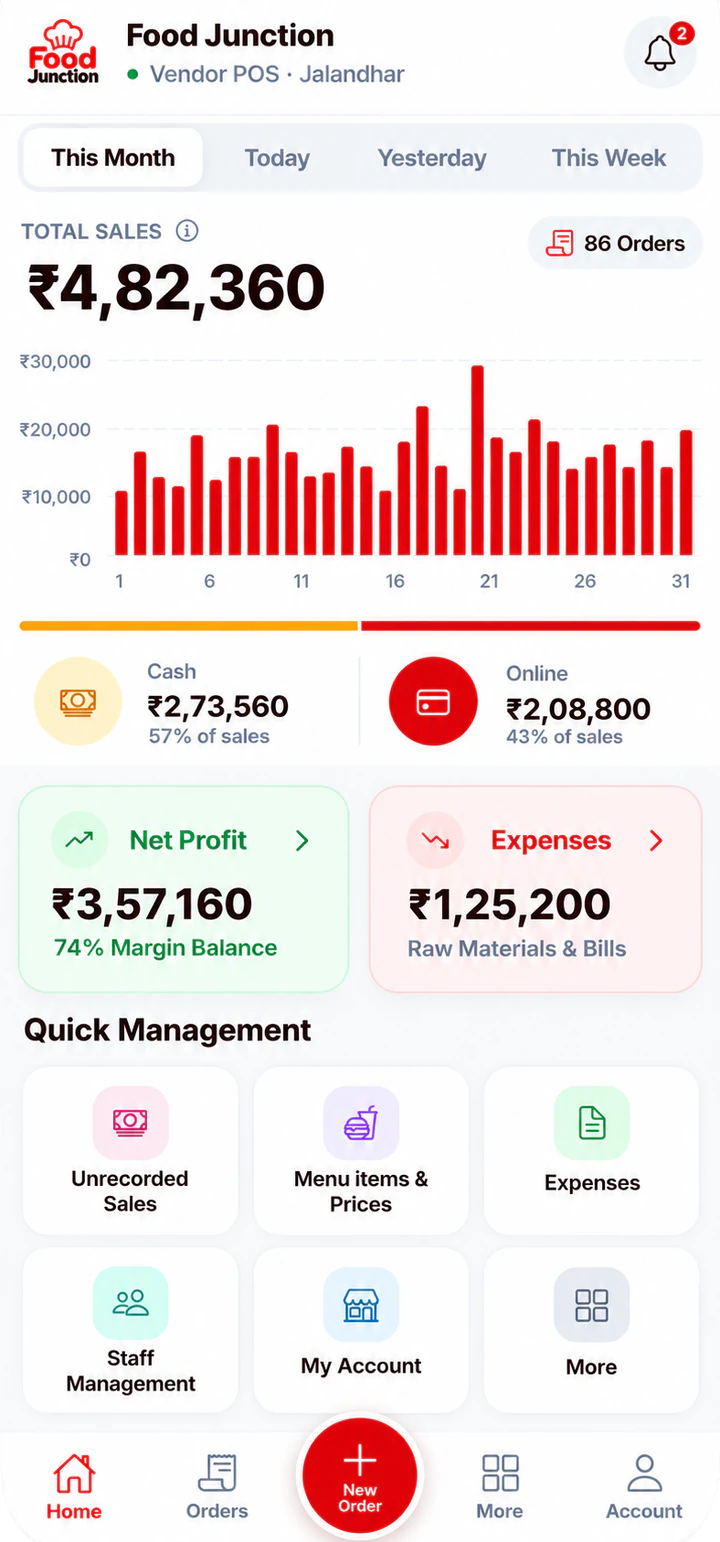
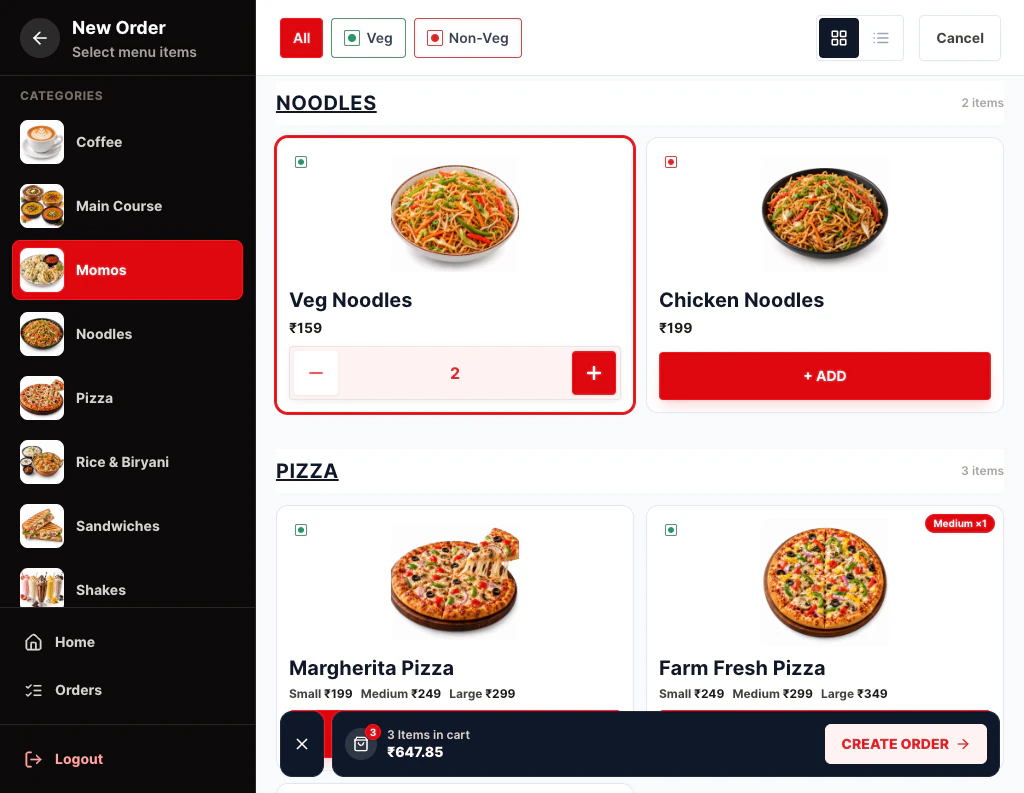
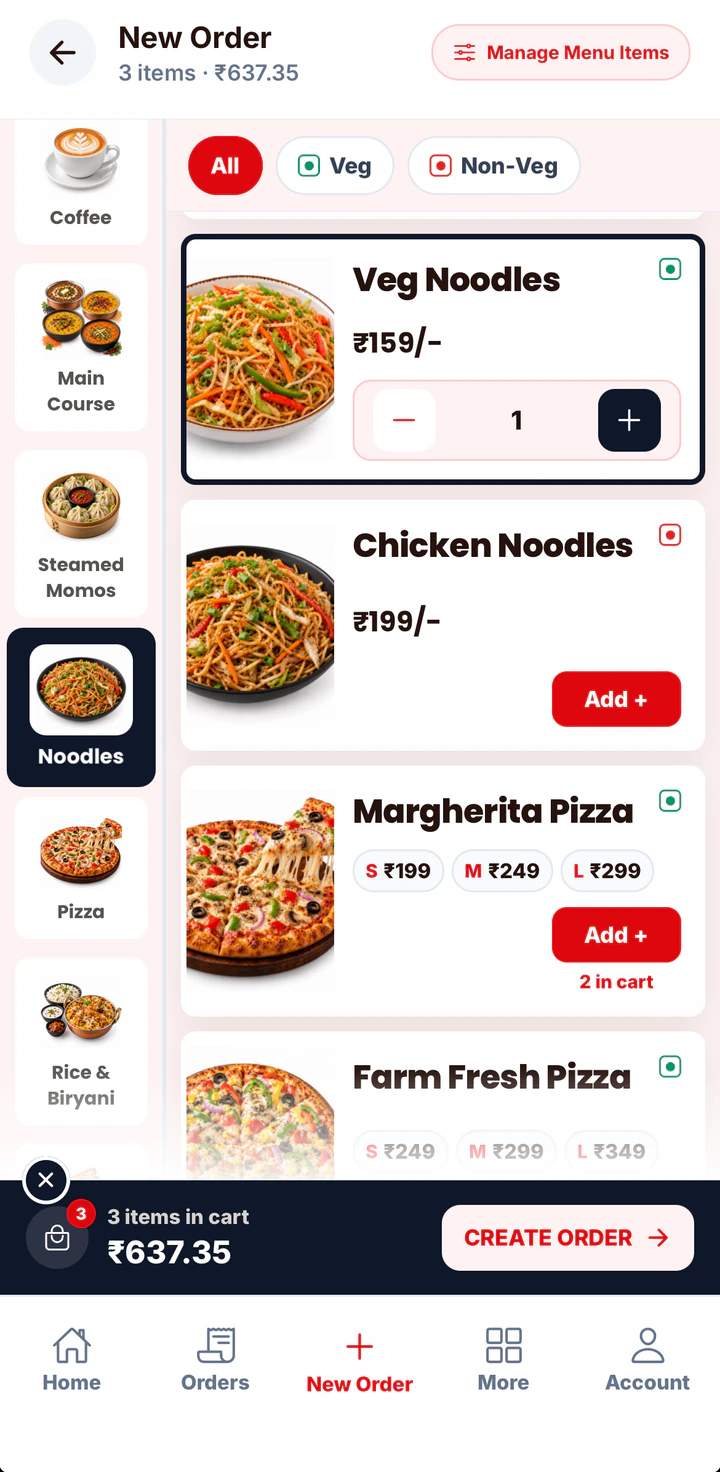
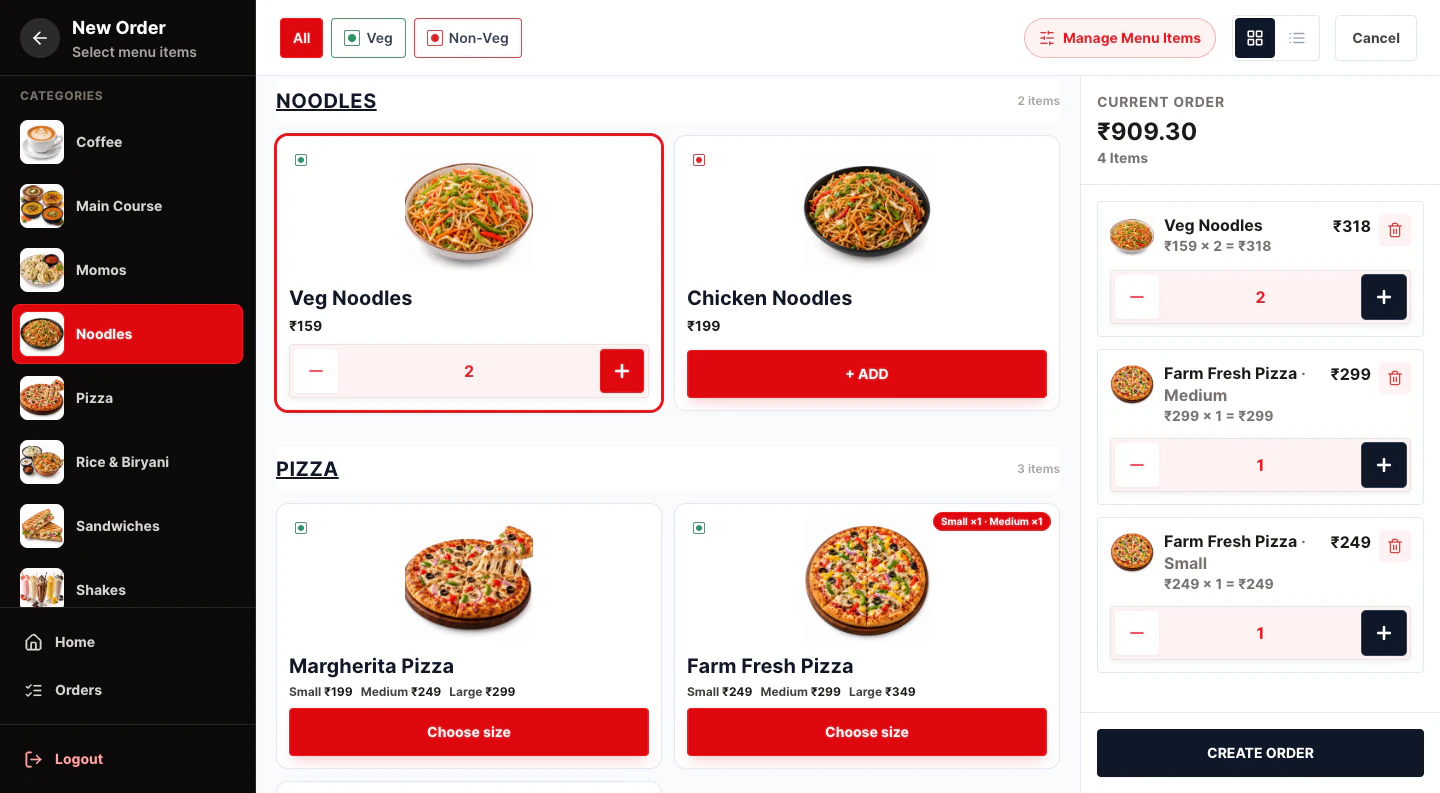
The line is out the door. The cashier taps two burgers and fries, picks Takeaway, takes UPI and moves to the next customer.
In a quick service restaurant, every second at the counter is a customer waiting. Yes Sir Yes Mam bills fast, sends orders to the kitchen screen instantly, and keeps aggregator orders separate from your cash.
Slow billing at peak hour sends customers to the shop next door.
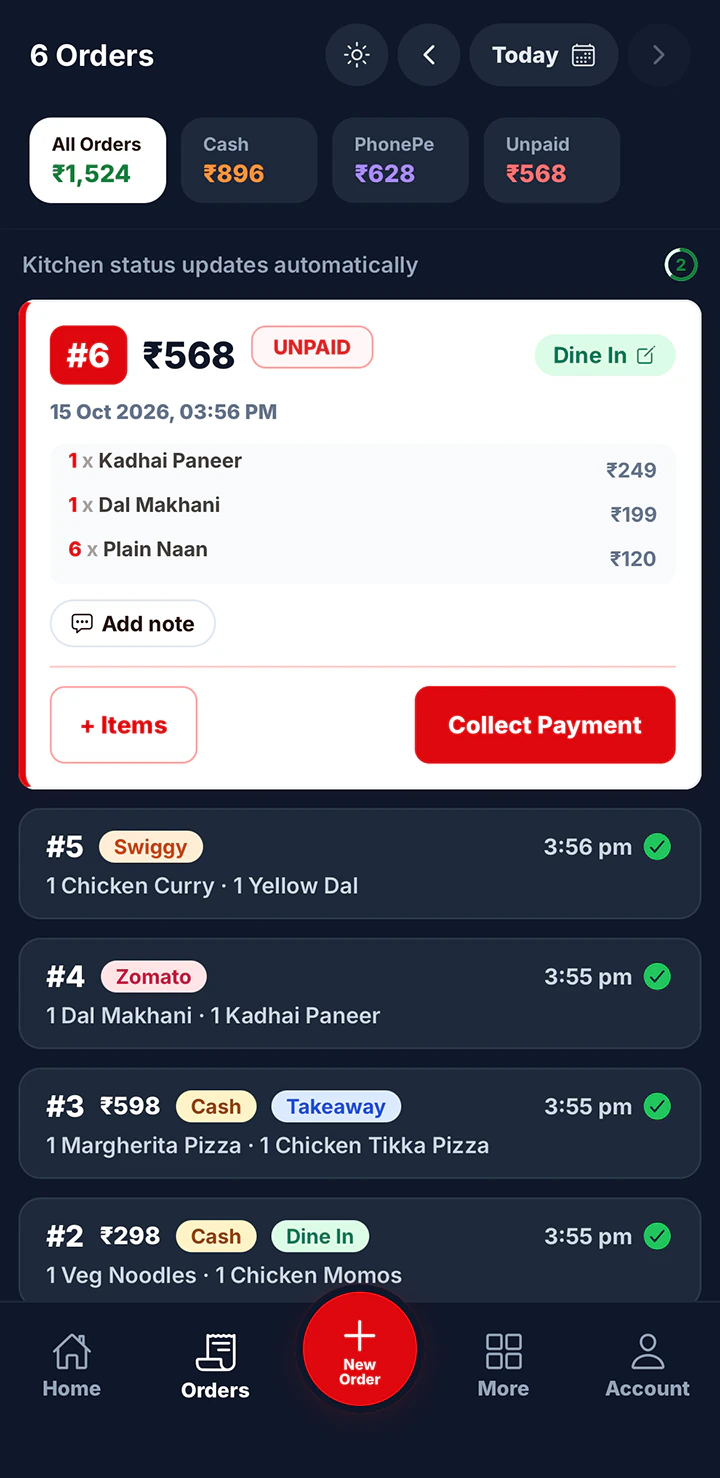
Items, order type, payment, next customer.
Without a KOT system, burgers come out in the wrong sequence and orders get missed.
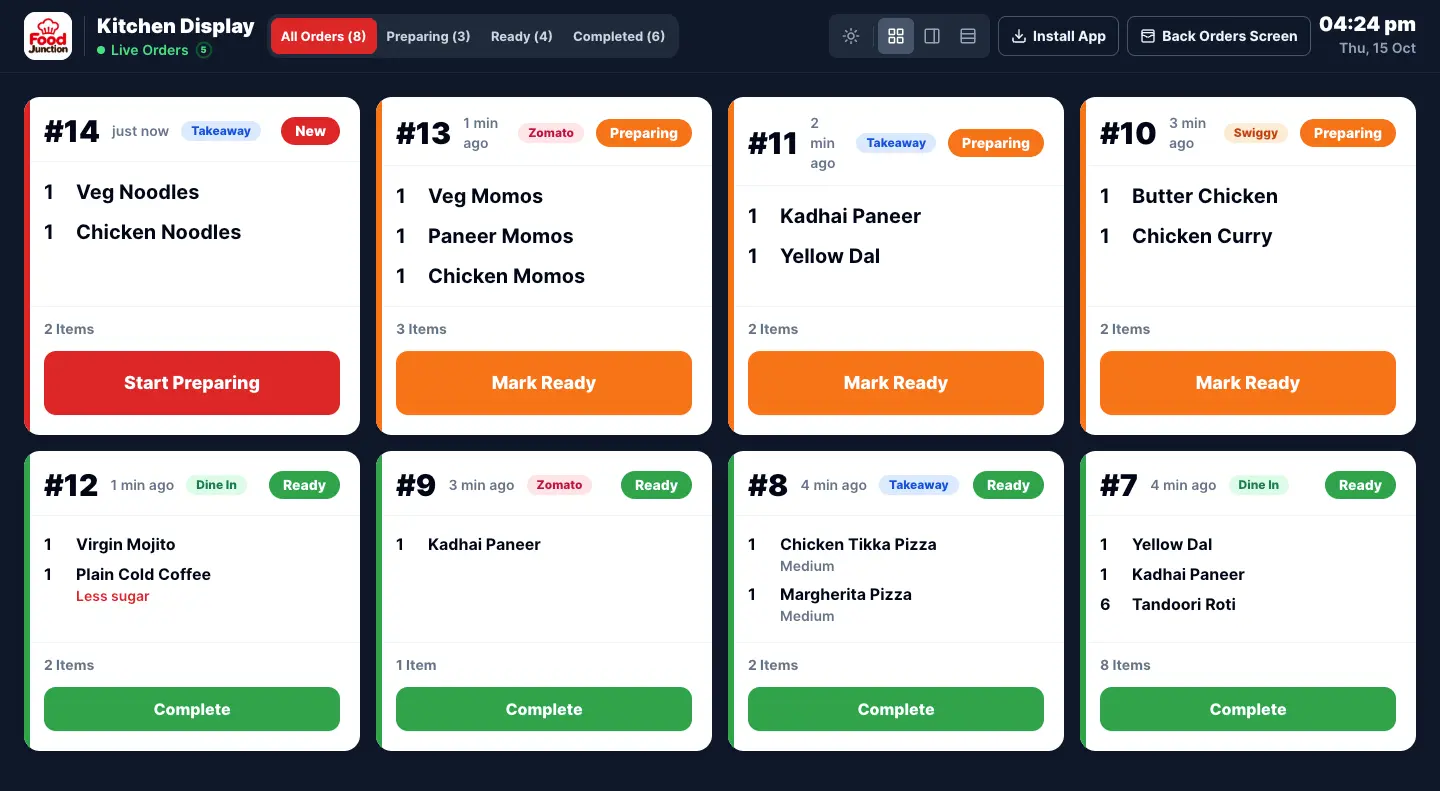
Orders appear on the kitchen screen in sequence.
Zomato and Swiggy orders mixed with counter sales make the cash total wrong.
Zomato and Swiggy orders stay out of your cash.
Tap the items and pick Takeaway, Dine In, Zomato or Swiggy.
The order card appears on the Kitchen Display straight away.
The cook taps Ready and the counter calls the order number.
Digital KOT on a kitchen screen with New, Preparing and Ready.
Learn more →Takeaway, Dine In, Zomato and Swiggy orders, with aggregator orders kept out of your cash.
Learn more →Feature RESTAURANT PROSeparate logins for counter and kitchen staff.
Learn more →Feature RESTAURANT PROGST invoices for customers who ask.
Learn more →Peak hour at a burger counter. Every screen here is from the app.
The line is out the door. The cashier taps two burgers and fries, picks Takeaway, takes UPI and moves to the next customer.
Each order appears on the kitchen tablet as it’s billed. The grill cook marks Preparing, the packer marks Ready.
The Swiggy order was entered under its own type, so the kitchen made it in sequence but it isn’t counted in the counter’s cash.
Restaurant Pro. The Kitchen Display, order types and staff logins are what make fast food service run smoothly.
Compare plans →Prices exclude 18% GST. Billed monthly through UPI AutoPay.
No. You enter those orders by hand under their own order type, so the kitchen sees them and your cash stays correct.
A regular order is a few taps: items, order type, payment. Best-sellers can sit at the top of the menu.
Not yet. Customers can be called by order number from the screen.
Set up your menu and open the Kitchen Display on any tablet.