Kitchen order tickets your cooks can follow.
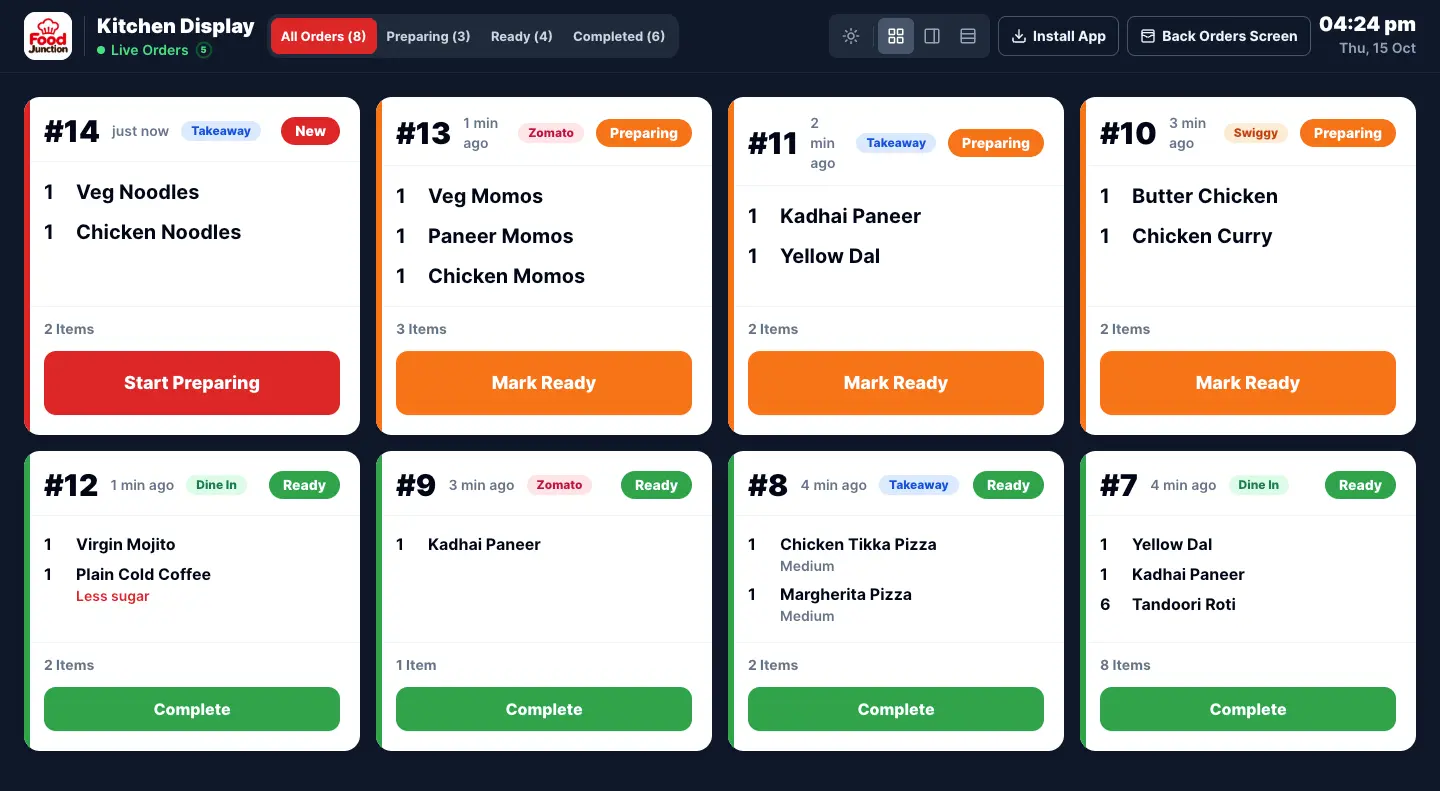
When the counter takes an order, it shows up on the Kitchen Display straight away. Cooks tap it through Preparing and Ready, and the counter can see when food is ready to hand over. No paper KOT, no shouting across the room.
How the kitchen display works
New orders appear on their own
Each order shows as a card with its number, items, quantities and how long ago it came in. The newest orders are easy to spot.
One tap per step
Cooks tap Start Preparing, then Mark Ready. The counter sees the change, so staff know which orders to serve or pack.
Notes the kitchen actually reads
Add a note to an item or the whole order, like “less spicy” or “pack separately”. Notes show on the kitchen card and are never printed on the customer’s bill.
Your kitchen screen, ready in minutes.
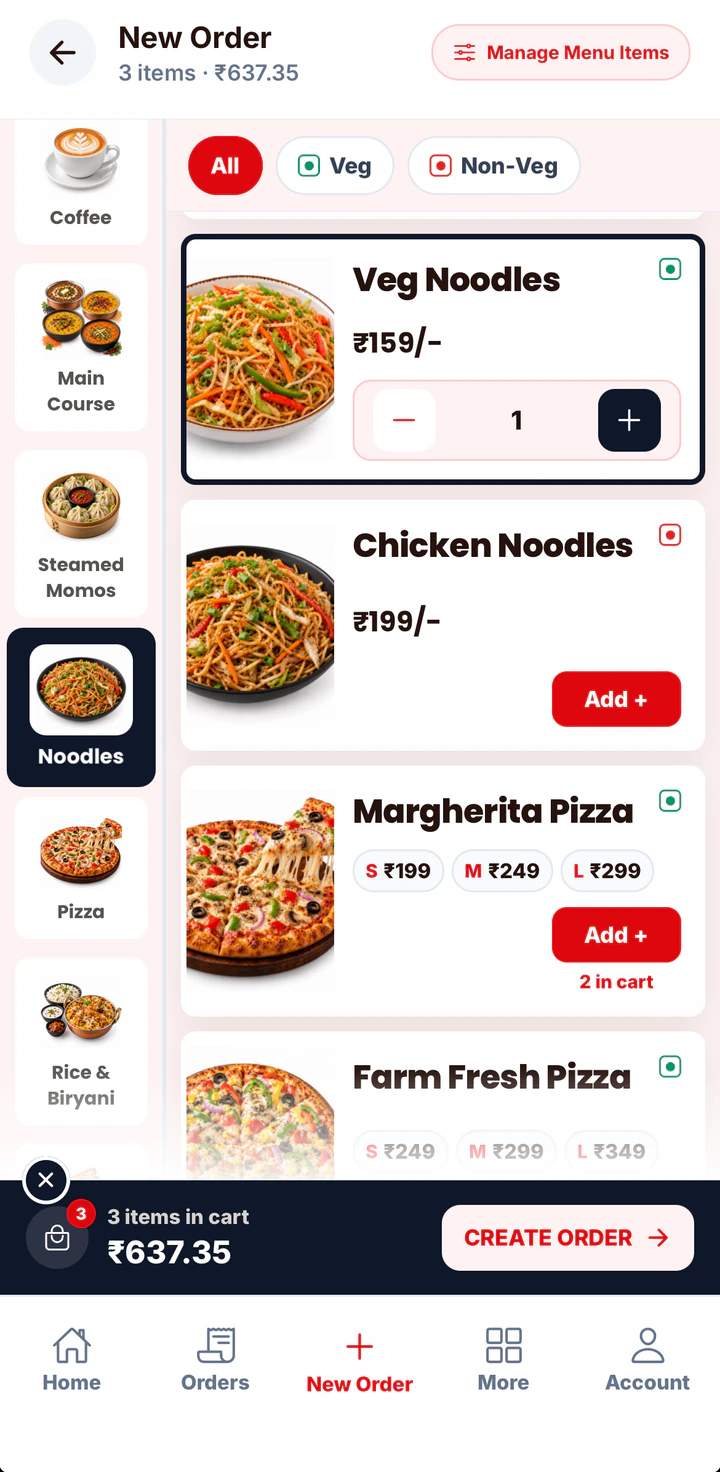
Add a cook, open the kitchen login on any screen, and take an order. There’s nothing to install and no printer to set up.
- 9:41
 1 · Staff
Add a kitchen staff member
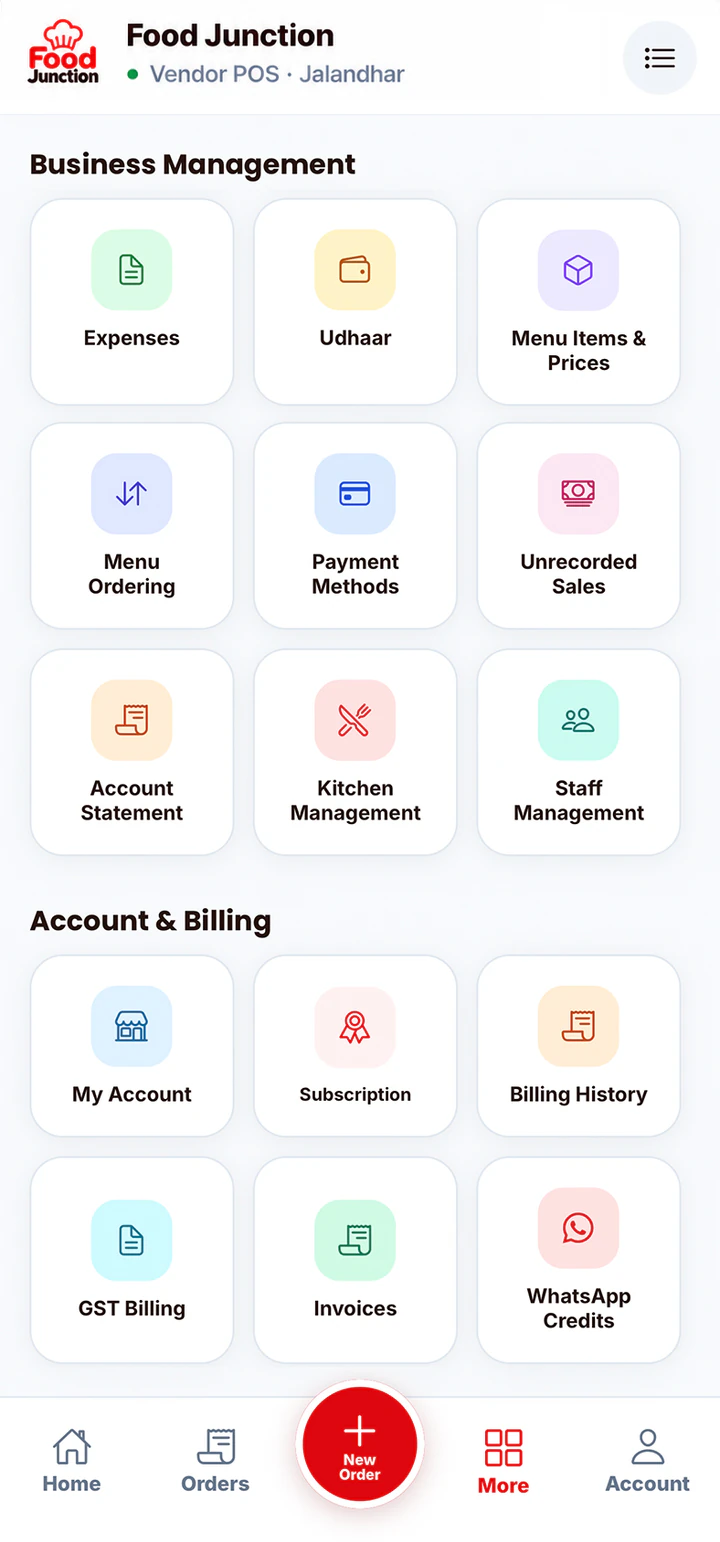
Give them a login code and PIN in Staff Management, and turn on kitchen access.
- 2 · Screen
Open the kitchen login
On a tablet, TV browser or spare phone. Cooks sign in with the business code, their code and PIN.
- 9:413 · Cook
It’s on the kitchen screen instantly
Take an order at the counter and it appears in the kitchen as a new card.
The kitchen display runs in a browser on any tablet, TV or phone. KOT printing is not supported yet.
Popular with busy kitchens.
The kitchen display matters most where orders pile up fast and the counter can’t see the stove.
Fast food billing software
In a quick service restaurant, every second at the counter is a customer waiting.
See the page →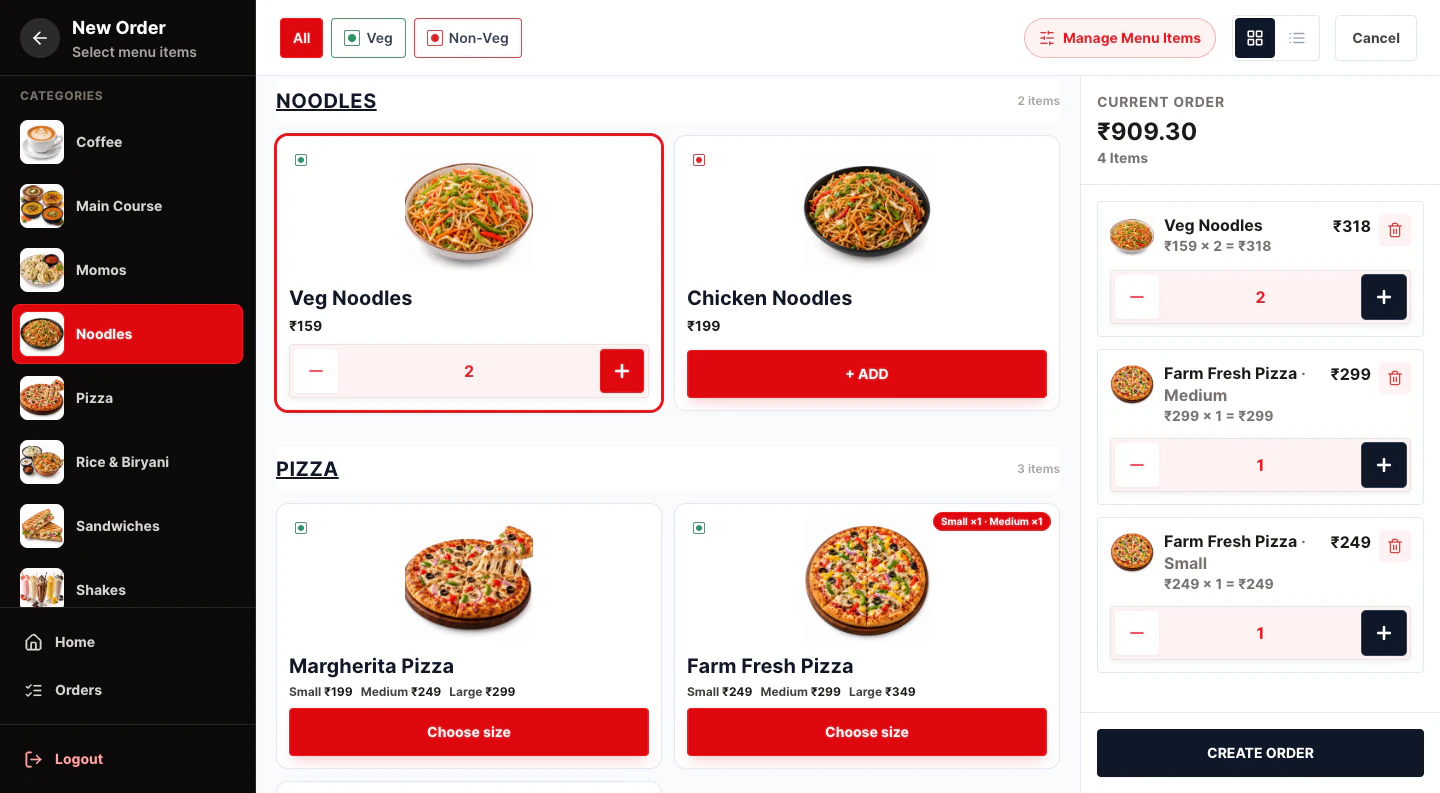
Restaurant POS software
One POS for your counter, kitchen and staff.
See the page →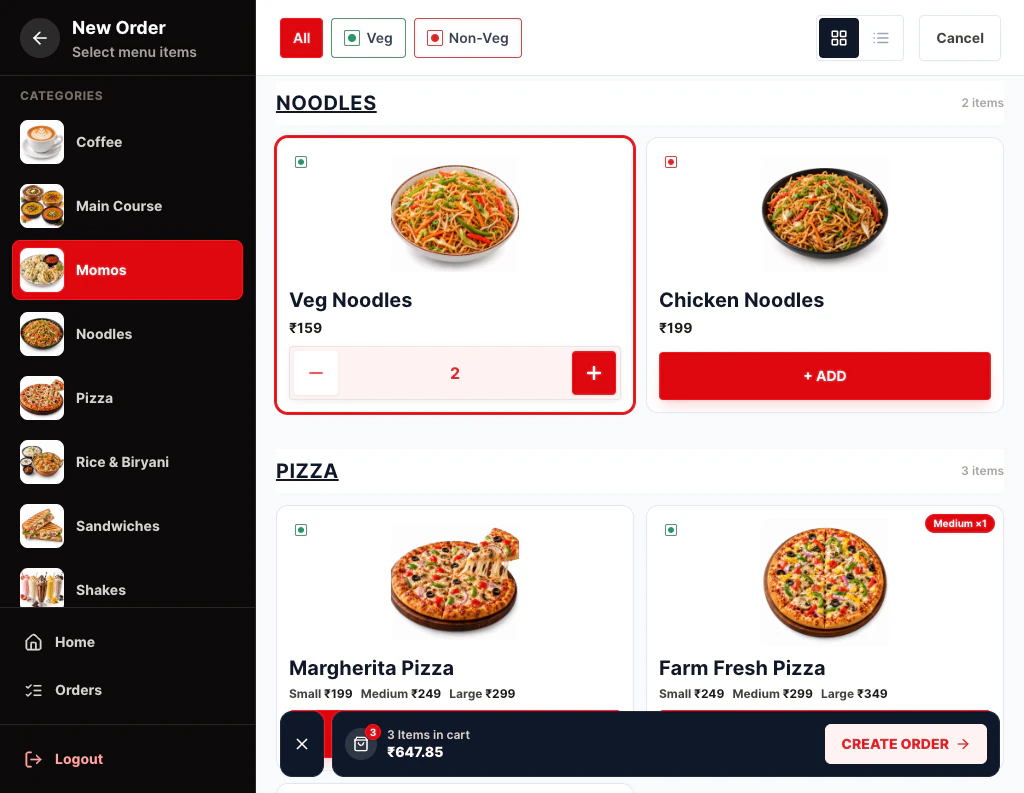
Cafe billing software
Cafés live on quick orders and familiar faces.
See the page →Included in Restaurant Pro
Start with what you need. Move to Restaurant Pro when you add kitchen staff or want GST bills.
Compare plans →Prices exclude 18% GST. Billed monthly through UPI AutoPay.
Questions
Do I need a KOT printer?
No. Orders show on a screen in the kitchen instead. KOT printing is not supported yet.
Which screen can the kitchen use?
Any tablet, phone or computer with a browser. A spare Android tablet mounted on the wall works well.
Can the owner also see the kitchen?
Yes. The owner can open the Kitchen Display too, from any device.
Is the Kitchen Display on Starter?
No. It comes with Restaurant Pro, along with staff management.
Related features
Try Kitchen Display (KOT) on your own menu
Register, add your menu and take your first order in a few minutes.