Dine In, Takeaway, Zomato and Swiggy orders in one place.
Tag each order with how it was placed. Your kitchen sees every order in sequence, and orders paid on Zomato or Swiggy stay out of your cash and UPI totals, so the drawer always matches.
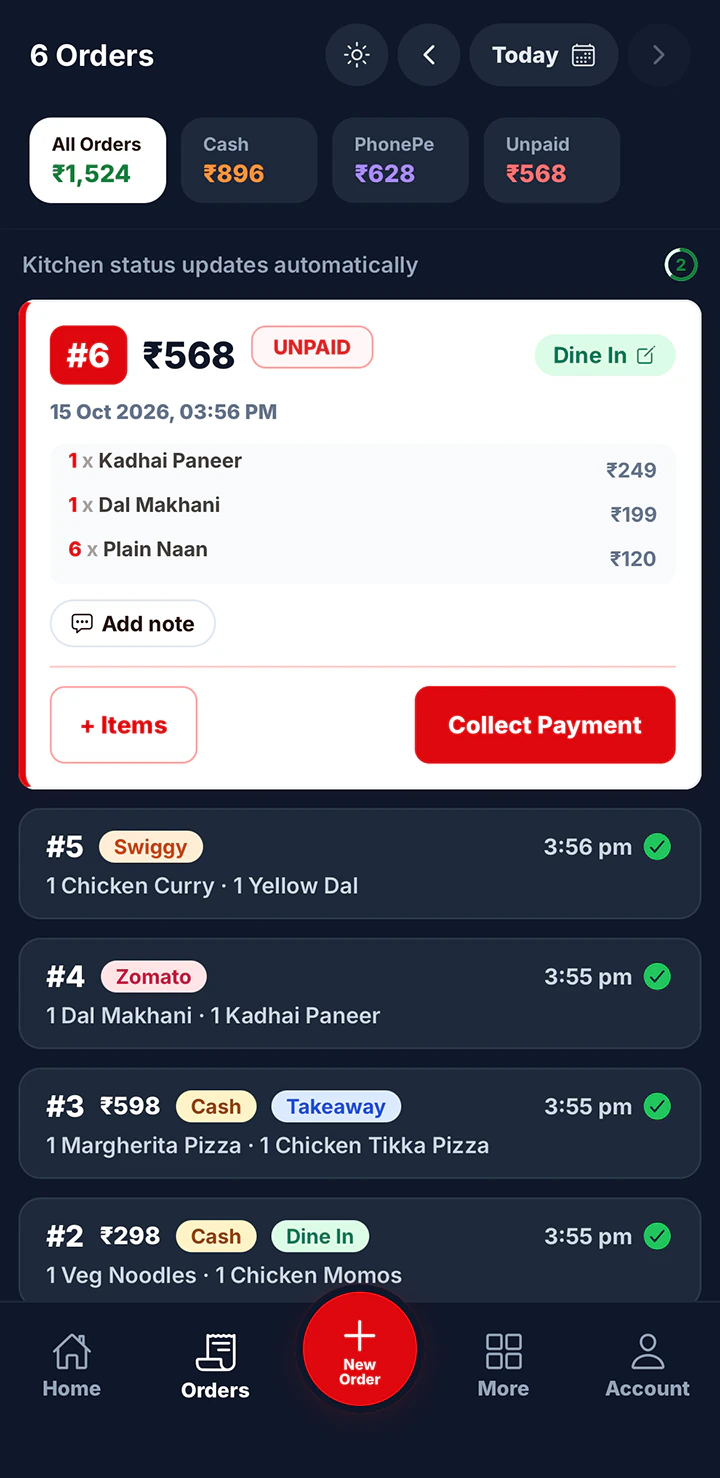
What order types do
Pick the type when you take the order
Dine In, Takeaway, Zomato and Swiggy are ready to use. Dine In is selected by default, and you can make any type the default instead.
Aggregator orders don’t touch your cash
Zomato and Swiggy are set up as paid on the platform. Those orders go to the kitchen like any other, but they are kept out of your cash and online totals because the app pays you separately.
Add the types you use
Create your own, such as Home Delivery or Party Order, and choose whether customers pay you or pay on a platform. Reorder the list or switch off types you don’t need.
Set up in three steps.
Everything is set up from the app on your phone or computer. There’s nothing to install.
- 9:41
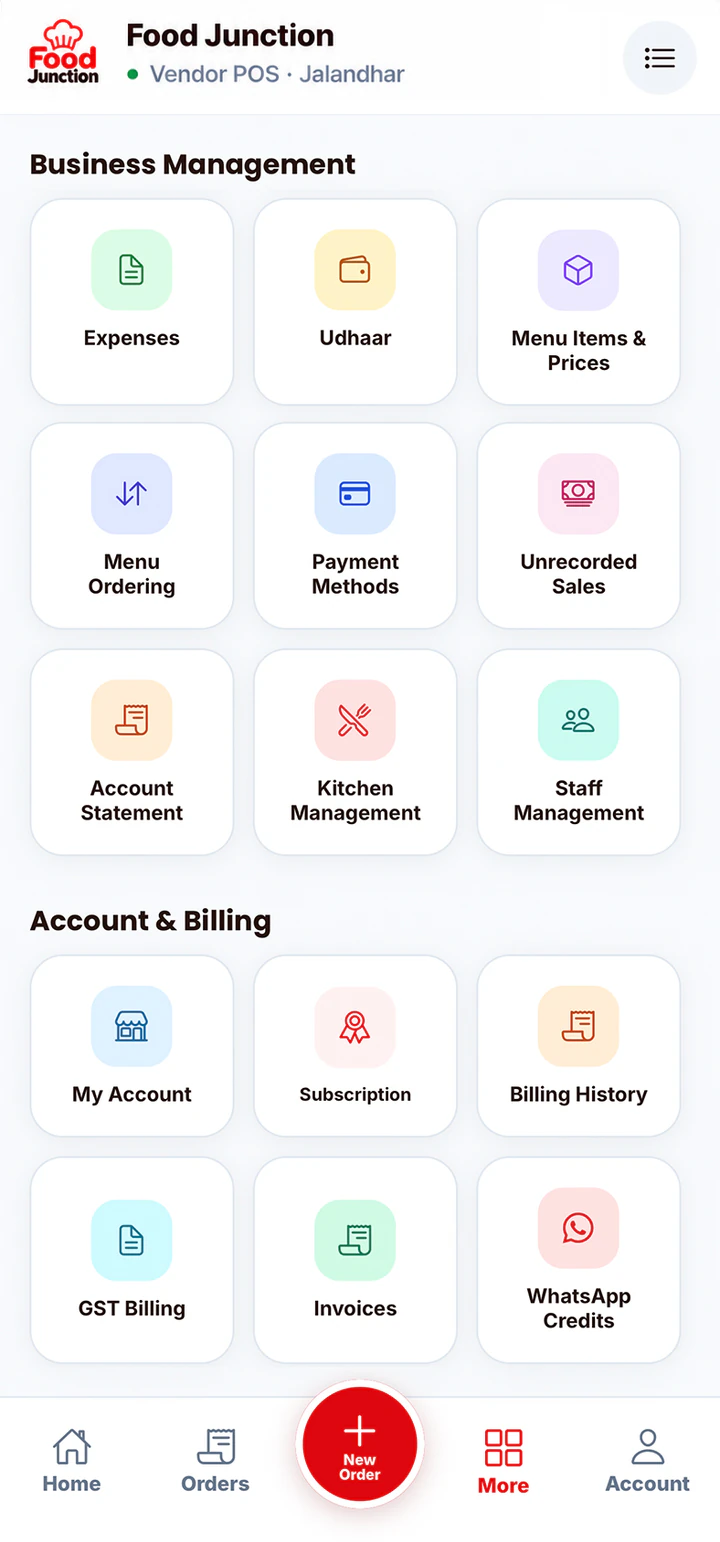 1 · Open
Open Order Types
Find it in Business Management.
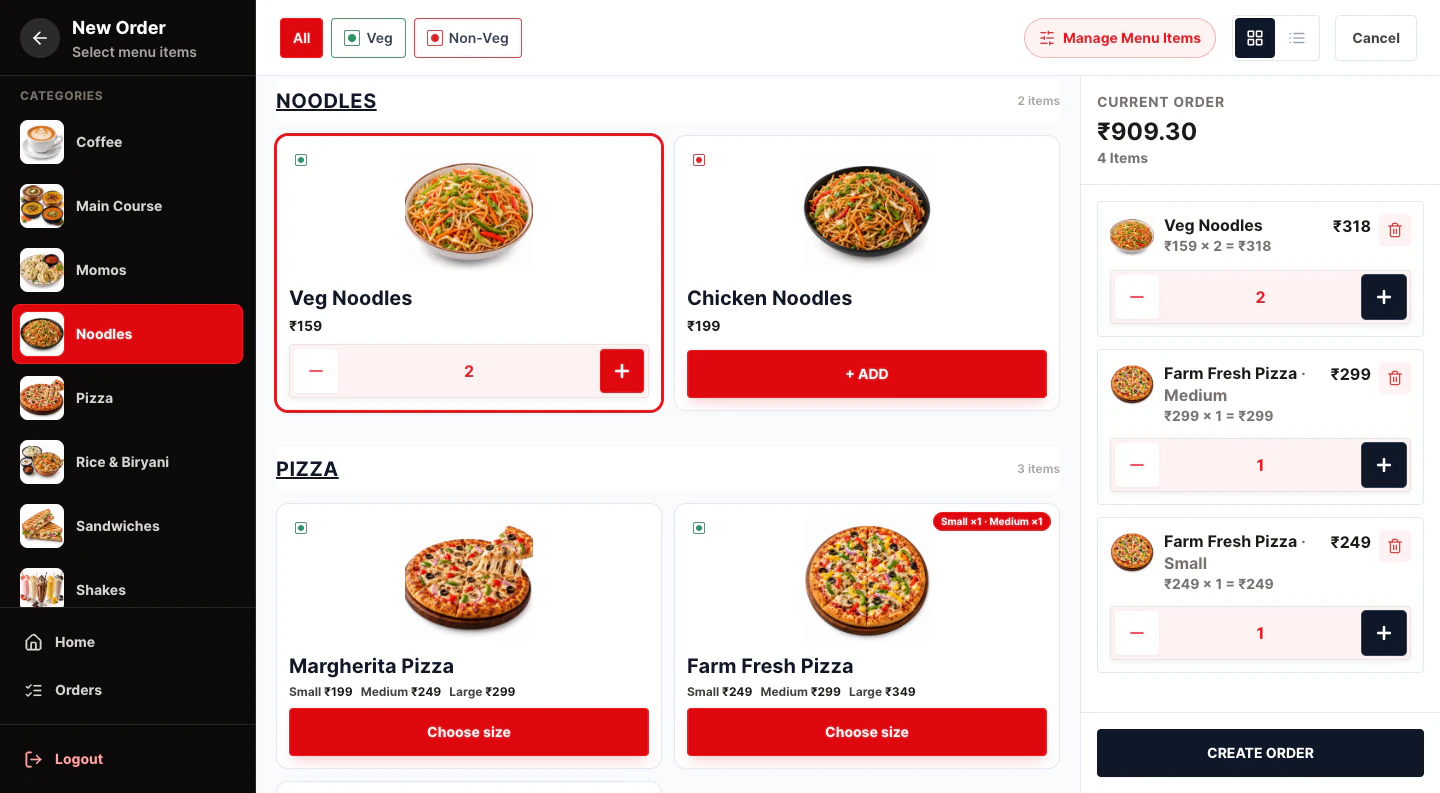 2 · Choose
Keep or add types
Use the four ready-made types or add your own.
- 9:41
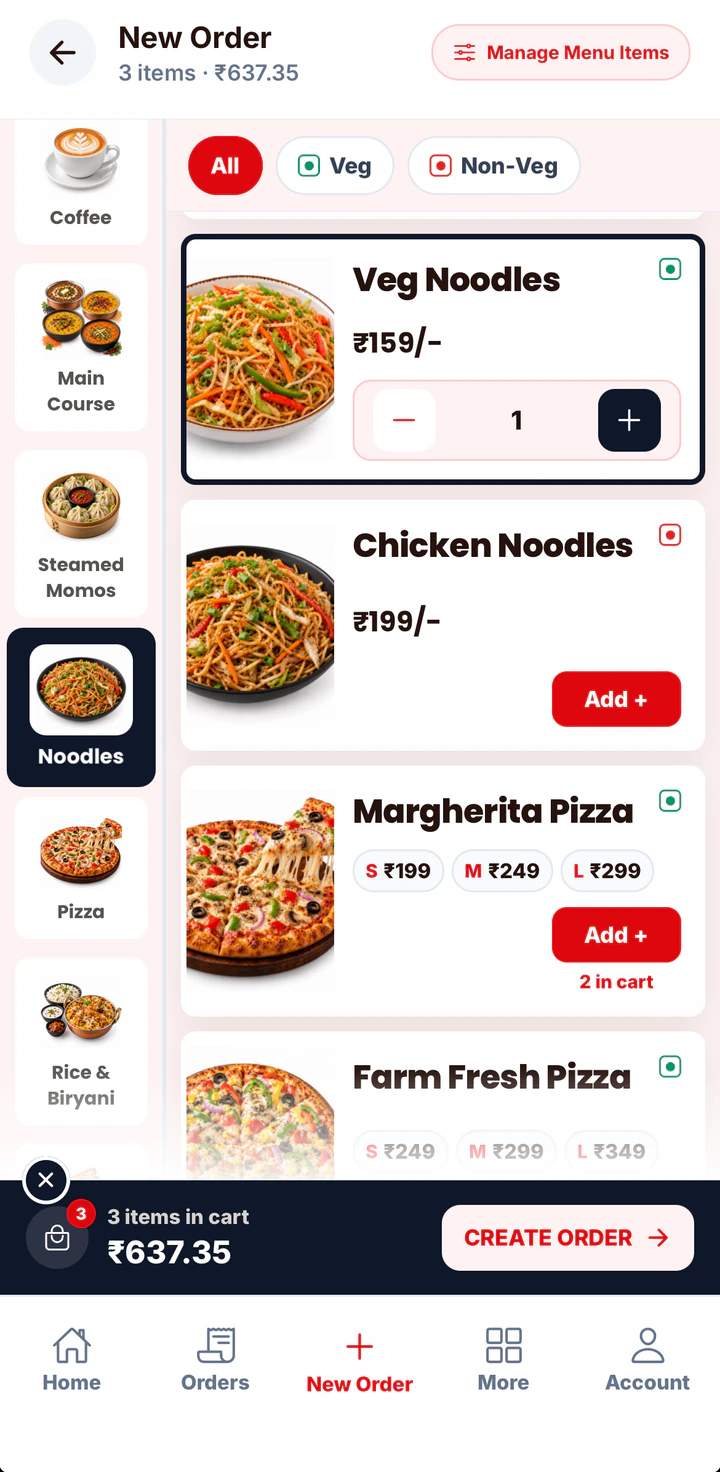 3 · Tag
Pick it on each order
Choose the type when you take the order.
Yes Sir Yes Mam doesn’t connect to Zomato or Swiggy. Orders from those apps are entered by hand.
Table management is not available yet. Dine In orders are not linked to table numbers.
Popular with
The businesses that get the most from this feature.
Fast food billing software
In a quick service restaurant, every second at the counter is a customer waiting.
See the page →Restaurant POS software
One POS for your counter, kitchen and staff.
See the page →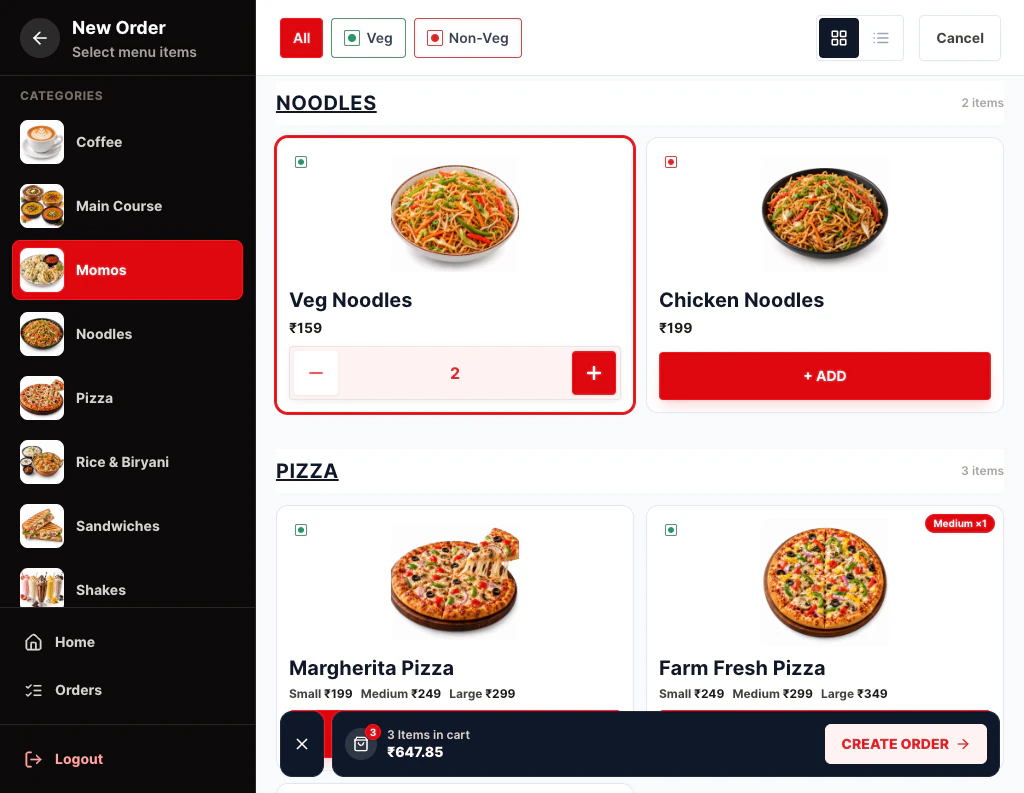
Cafe billing software
Cafés live on quick orders and familiar faces.
See the page →Included in Restaurant Pro
Start with what you need. Move to Restaurant Pro when you add kitchen staff or want GST bills.
Compare plans →Prices exclude 18% GST. Billed monthly through UPI AutoPay.
Questions
Does Yes Sir Yes Mam connect to Zomato or Swiggy?
No. You enter those orders by hand under their own type, so the kitchen sees them and your cash stays correct.
Why aren’t Zomato and Swiggy orders in my cash total?
Customers pay the platform, not you, and the platform settles with you separately. Keeping those orders out stops your drawer and UPI totals from looking short.
Can I add my own order types?
Yes. Add a type, choose whether it is paid to you or paid on a platform, and set where it sits in the list.
Is it on Starter?
No. Order types come with Restaurant Pro.
Related features
Order Management
Every order in one list, with its status, payment and type.
Learn more →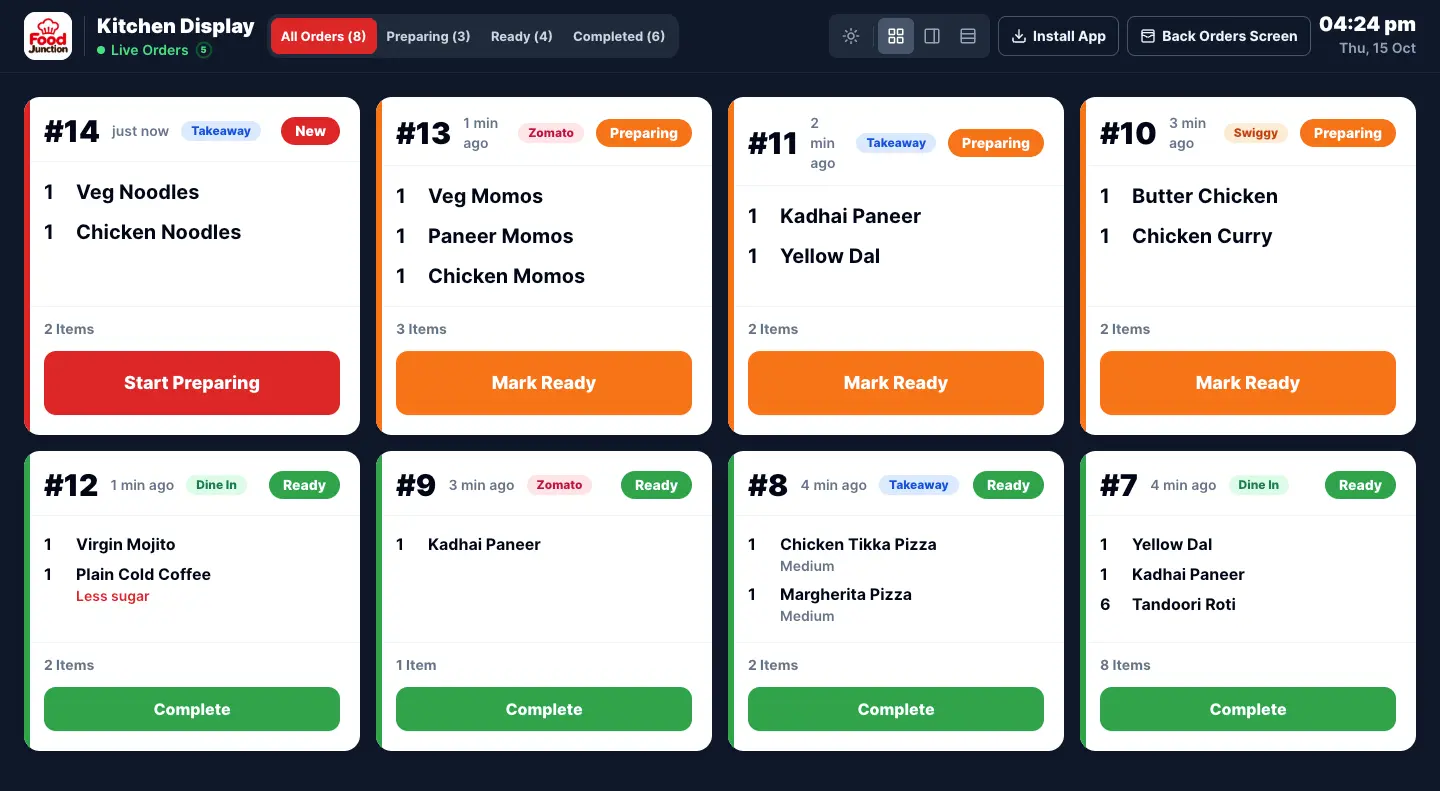
Kitchen Display (KOT)
Orders go straight to a kitchen screen instead of a paper KOT.
Learn more →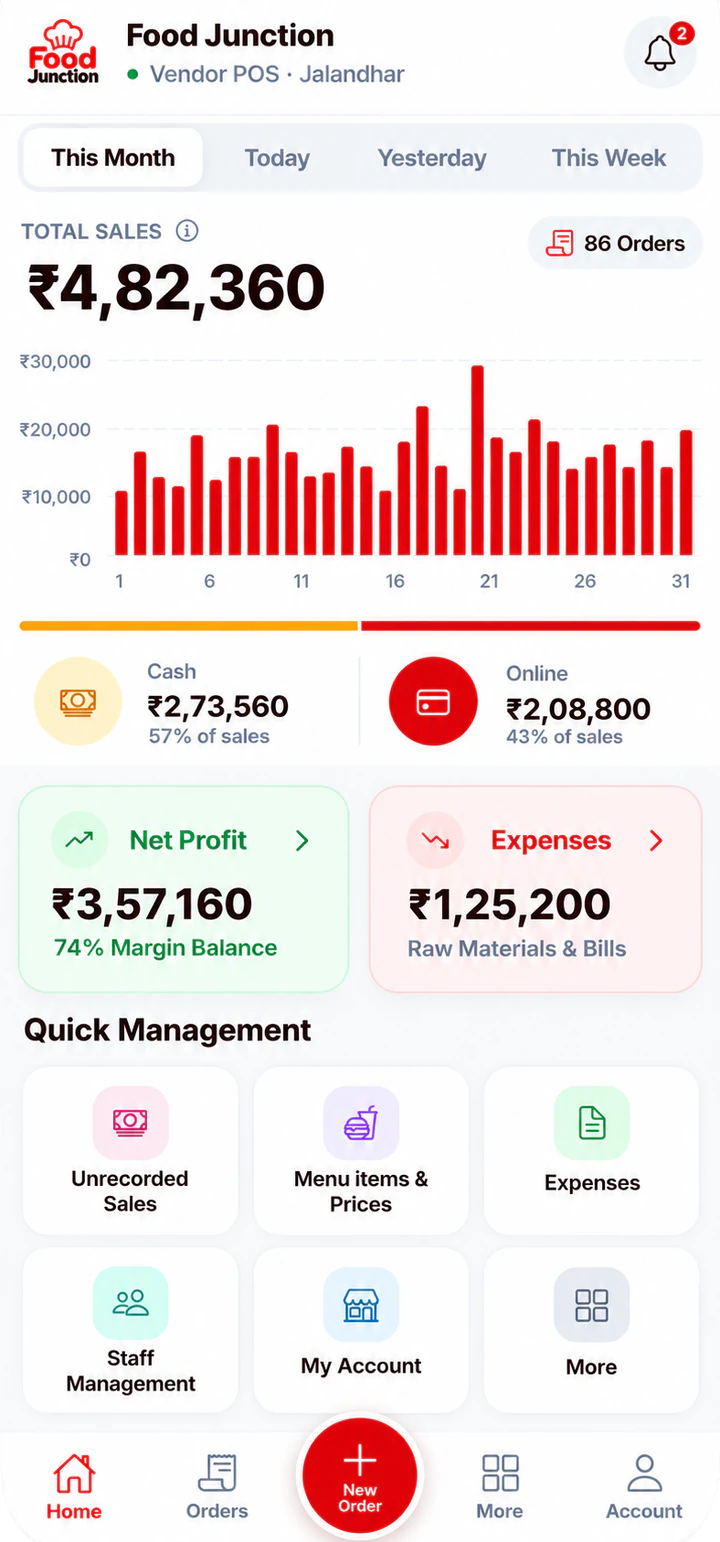
Sales Reports
Today’s sales, cash vs online, expenses and profit at a glance.
Learn more →Try Order Types on your own menu
Register, add your menu and take your first order in a few minutes.