Restaurant order management without the paper slips.
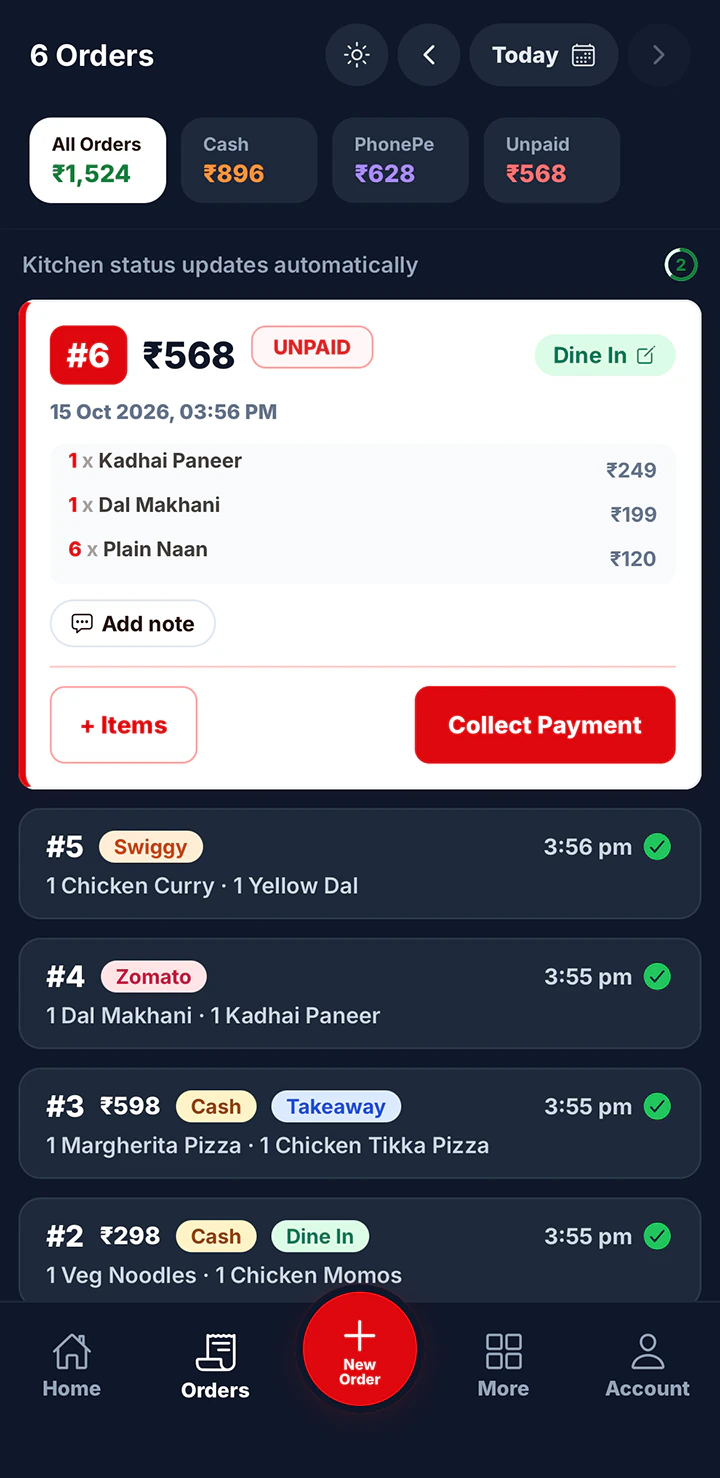
Every order you take is saved with its items, total, payment and time. Find any order from today, fix a wrong item, and see which orders are still unpaid.
What you can do with your orders
One list for the whole day
Today’s orders sit in one list with order number, total and payment status. Unpaid orders stand out so nothing walks out without paying.
Fix an order after it is placed
Customer changed their mind? Open the order and edit the items. The total and the sales report update with it.
Order types on Restaurant Pro
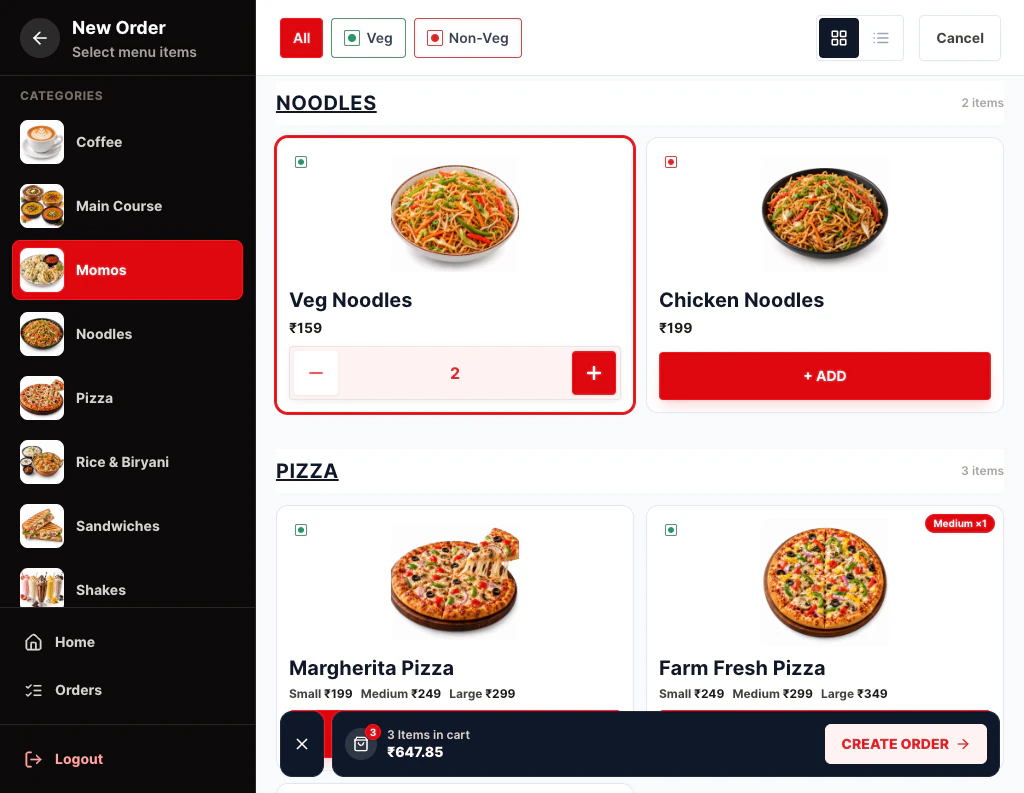
Tag each order as Dine In, Takeaway, Zomato or Swiggy, or add your own types. See the Order Types feature for how aggregator orders are kept out of your cash.
Set up in three steps.
Everything is set up from the app on your phone or computer. There’s nothing to install.
- 9:41
 1 · Order
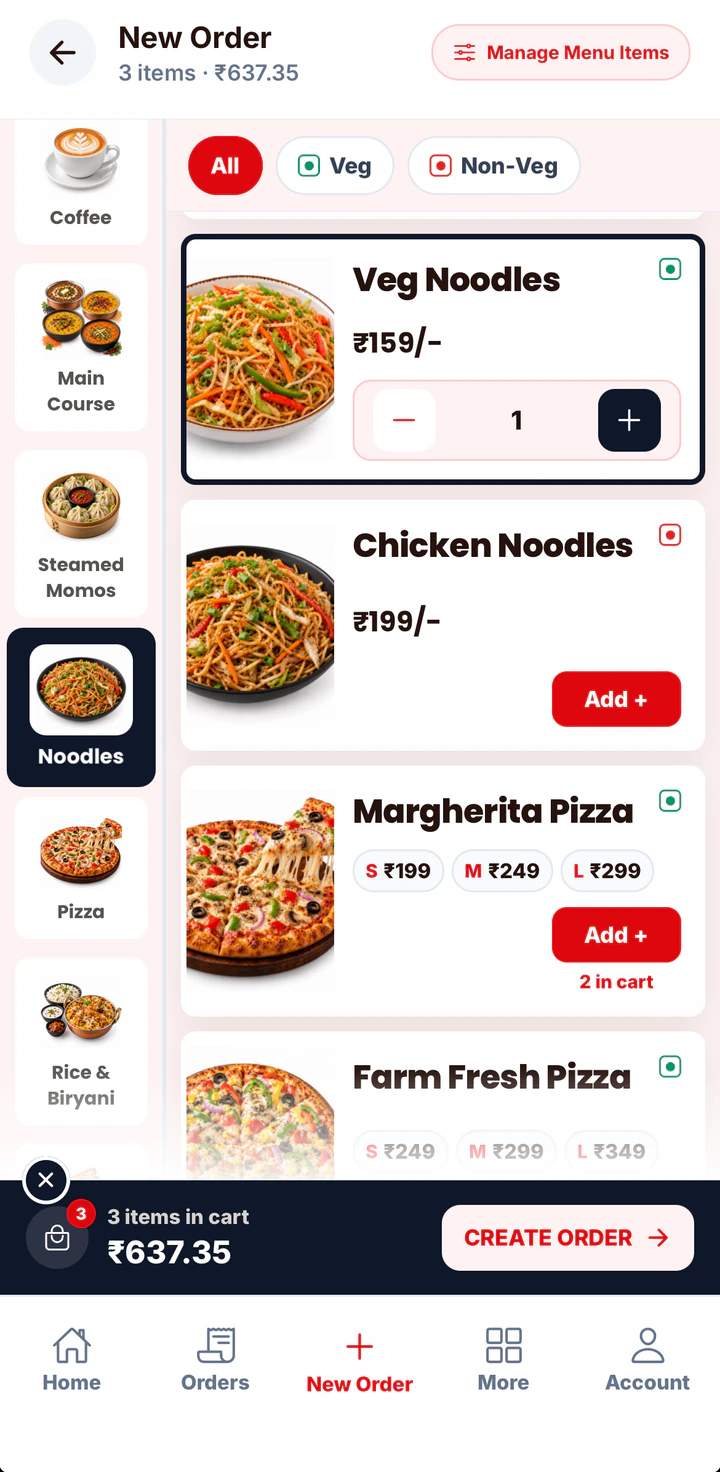
Take orders as usual
Bill from New Order on any device.
- 9:412 · Track
Open today’s orders
See every order with its total and payment status.
- 9:413 · Tag
Turn on order types
On Restaurant Pro, tag Dine In, Takeaway, Zomato or Swiggy.
Zomato and Swiggy orders are entered by hand. There is no direct connection to those apps.
Table management is not available yet.
Popular with
The businesses that get the most from this feature.
Fast food billing software
In a quick service restaurant, every second at the counter is a customer waiting.
See the page →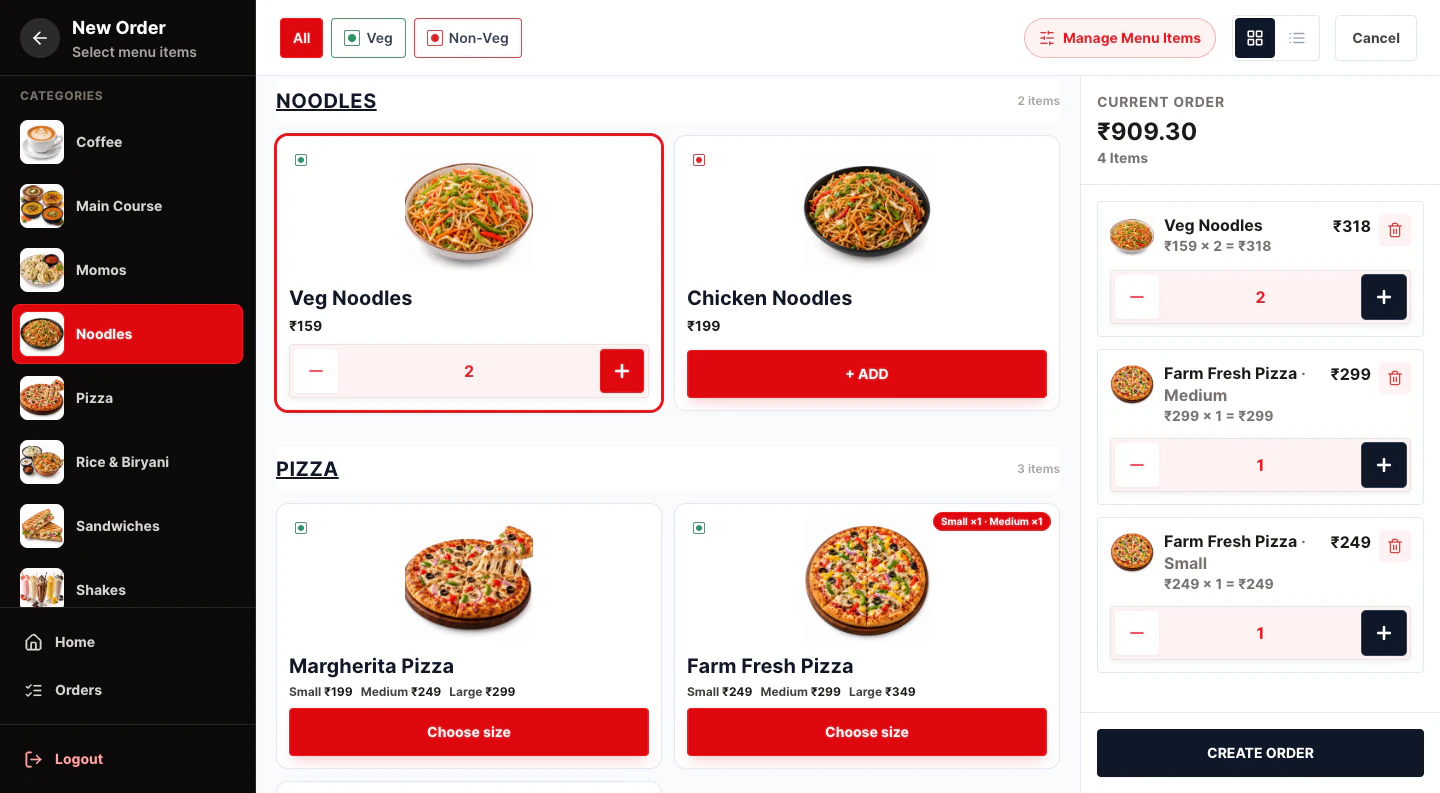
Restaurant POS software
One POS for your counter, kitchen and staff.
See the page →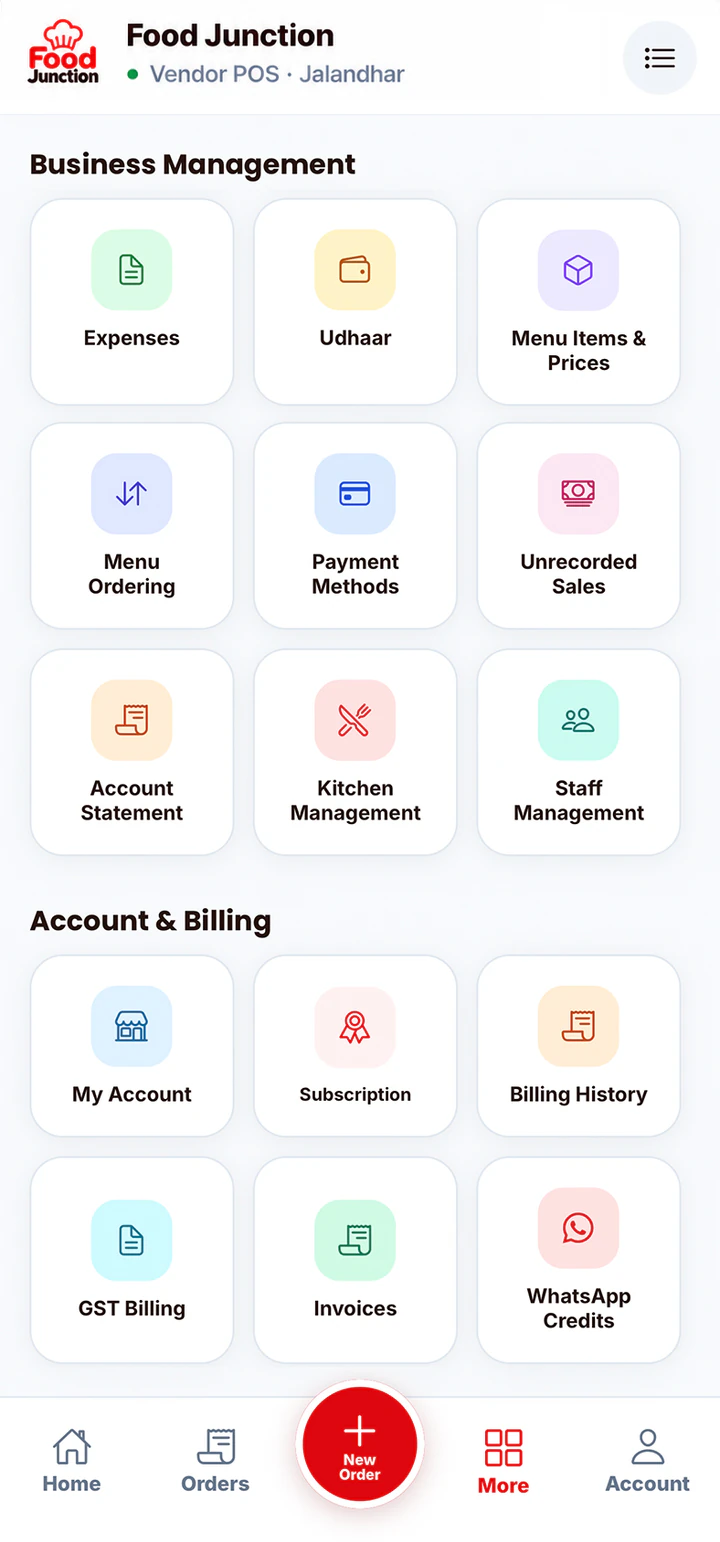
Small restaurant billing software
You don’t need enterprise software to run a 10-table restaurant.
See the page →Available on both plans
Orders list on both plans. Order types (Dine In, Takeaway, Zomato, Swiggy and your own) on Restaurant Pro.
Compare plans →Prices exclude 18% GST. Billed monthly through UPI AutoPay.
Questions
Can I edit an order after it is placed?
Yes. Open the order and change the items. The total updates automatically.
Does Yes Sir Yes Mam connect to Zomato or Swiggy?
No. On Restaurant Pro you can record those orders under their own type so the kitchen sees them and your sales stay correct, but they are entered by hand.
Can I add my own order types?
Yes, on Restaurant Pro. Add types like Home Delivery or Party Order and choose the order they appear in.
Related features
Order Types
Dine In, Takeaway, Zomato and Swiggy orders, kept apart from your cash.
Learn more →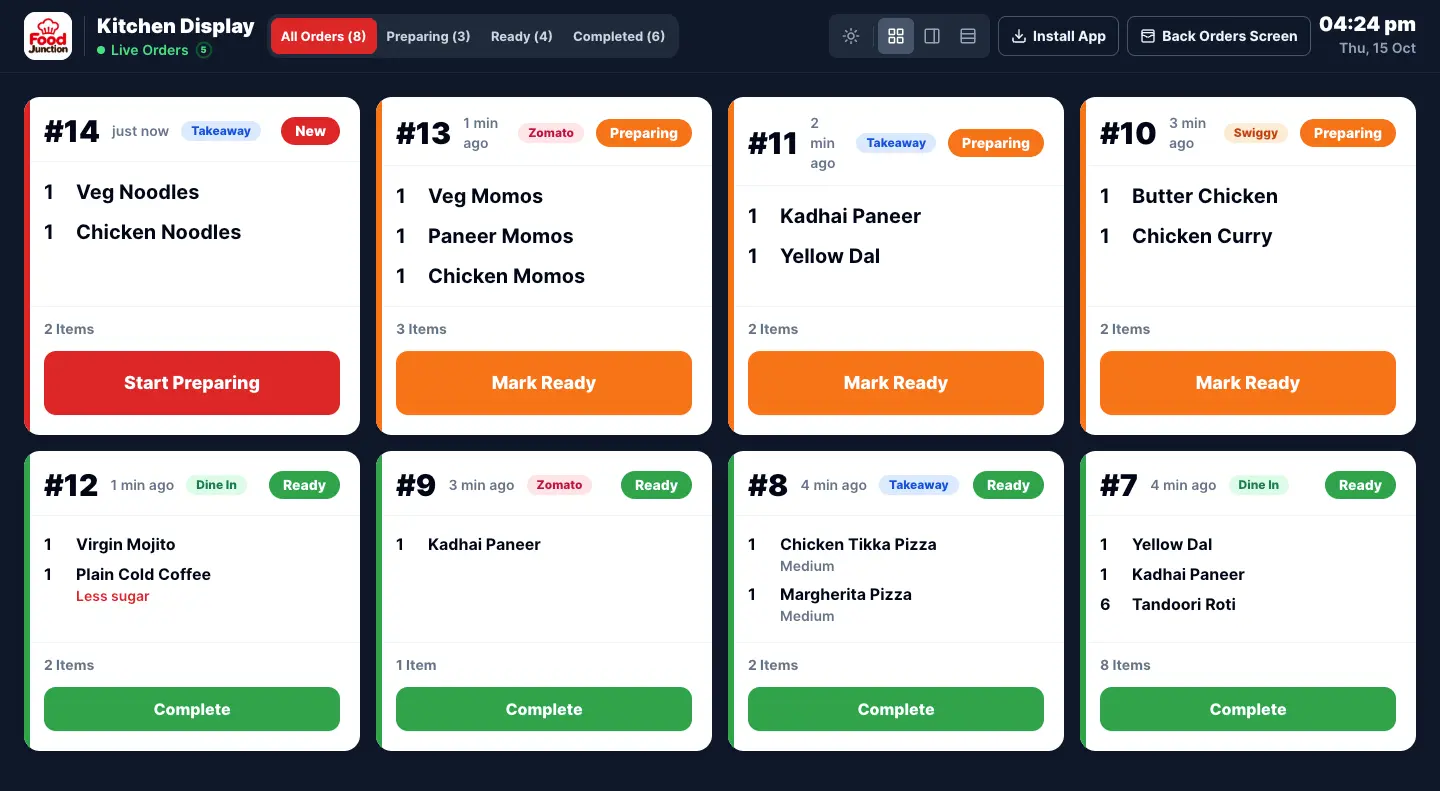
Kitchen Display (KOT)
Orders go straight to a kitchen screen instead of a paper KOT.
Learn more →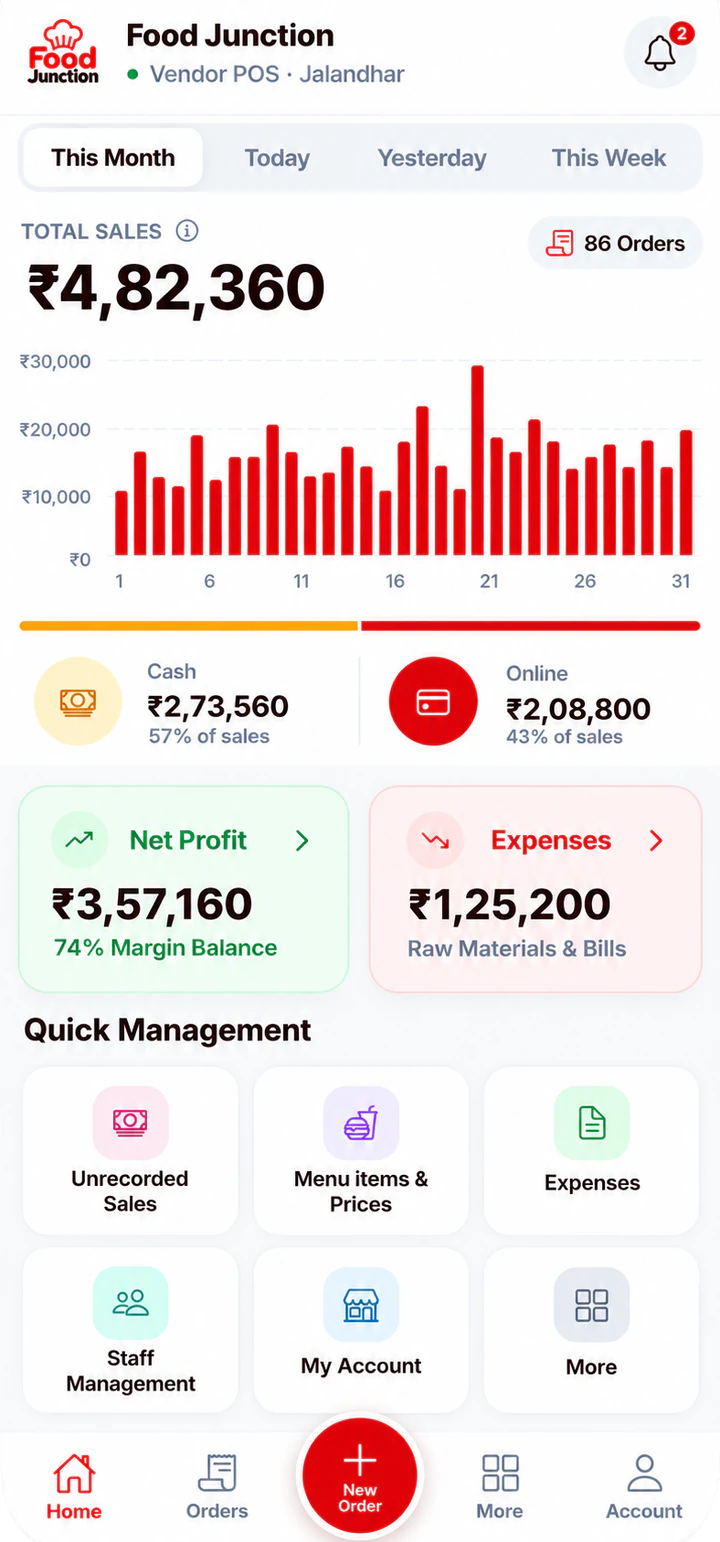
Sales Reports
Today’s sales, cash vs online, expenses and profit at a glance.
Learn more →Try Order Management on your own menu
Register, add your menu and take your first order in a few minutes.